Mittwoch, den 9. Dezember 2015
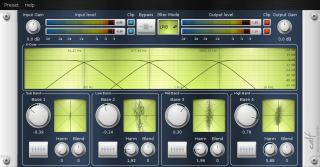 A new mastering device available in the Calf suite! The Multiband Enhancer spreads or reduces the stereo image and is able to add some harmonics – on four separate bands individually! For example: reduce the stereo base of your bass band to get more punch and spread it on the highest band for more air and stereo image. Monitor what you’re doing with the tiny goniometers in every band. Add some harmonics in the mid bands to raise the presence of your signal without changing the loudness – Multiband Enhancer really enhances your mix.
Category Calf Studio Gear | No comments »
Montag, den 23. November 2015
 Ja, ein Beitrag auf deutsch. Aus guten Grunde – endlich ist Citizenfour mit deutscher Übersetzung erhältlich – vermutlich aber Dank der deutschen Rechtsprechung bzgl. öffentlich-rechtlicher Inhalte im Netz nicht allzu lange.
Also schnell FLASH deinstallieren (wie, Du hast echt noch FLASH auf Deiner Kiste?! Weil sonst die Werbung nicht so geil flickert?), um das Video in der Mediathek als HTML5-Version zu sehen und dann mit Rechtsklick->Video speichern unter… auf die Festplatte bannen.
http://www.ardmediathek.de/tv/Reportage-Dokumentation/Citizenfour/Das-Erste/Video?documentId=31827512&bcastId=799280
Category Hier kackt der Chef | No comments »
Dienstag, den 17. November 2015
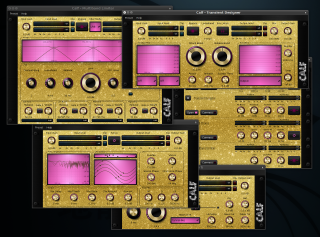 Some very brave guy was
 just joking asking for more.
Category Calf Studio Gear | No comments »
Freitag, den 6. November 2015
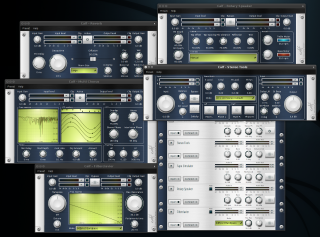 Tonight I implemented level meters, bypass and gain knobs to all plug-ins which were missing these widgets. Non-signal-processing plug-ins like Reverb or Multichorus got an On/Off switch instead of a bypass toggle. This way a comparison between dry and wet is much easier and meaningful. Bypass copies the input directly to the output while switching off e.g. a flanger just removes the effect signal from the output, dry signal keeps its level.
Additionally some of the plug-ins UIs were overhauled, basically they got more compact.
Category Calf Studio Gear | 2 comments »
Donnerstag, den 5. November 2015
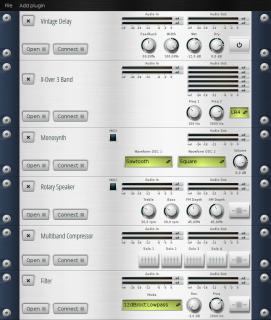 A feature request which appeared quite often was at least a bypass button for all plugins in calfjackhost. Lately the main work for adding a much broader spectrum of plug-ins controls was done. It still hides in a branch called „rackwidgets“ but is fully funcitonal now. Only one problem left: The knobs don’t update their counterparts atm.
 As soon as this gets sorted out we’ll merge the stuff into the master.
Oh and we got scales for the meters in calfjackhost now, too!
Category Calf Studio Gear | No comments »
Donnerstag, den 5. November 2015
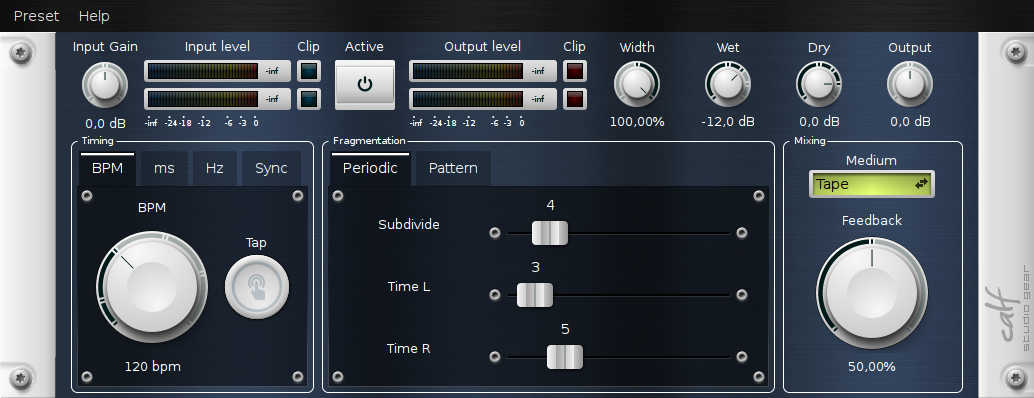
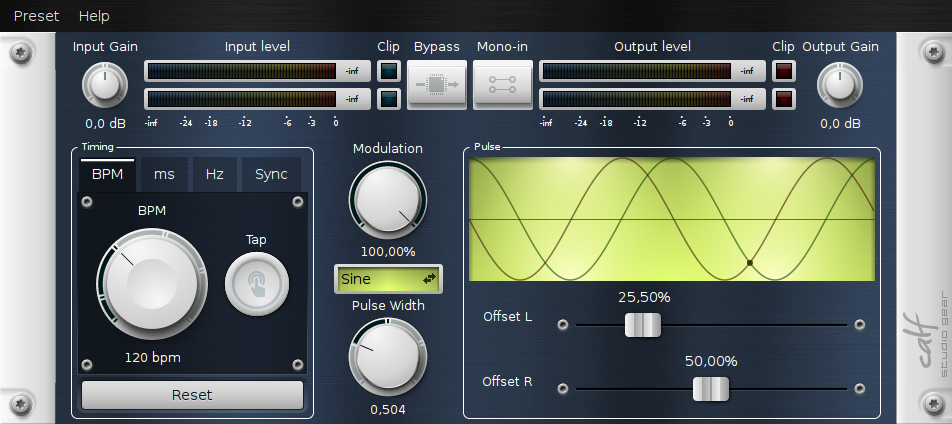
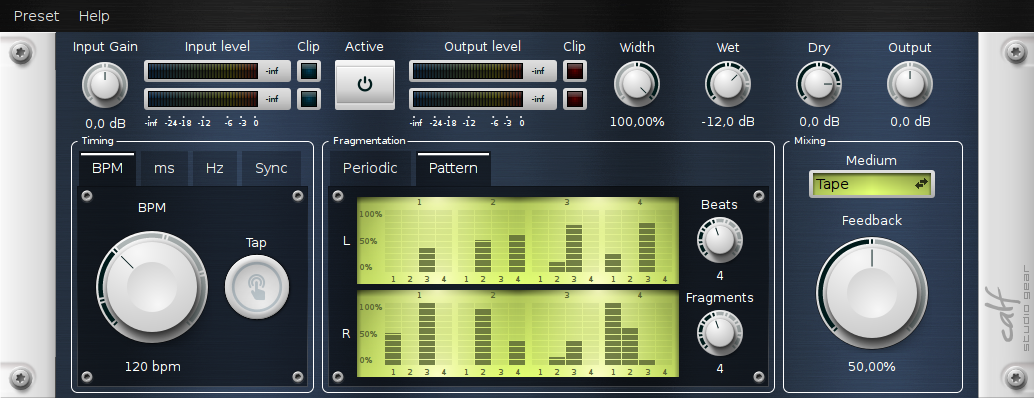
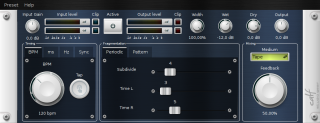 Some time ago I updated Vintage Delay and Pulsator with a new timing selector widget. Now it’s possible to not only set bpm or tap in the tempo but to select as milliseconds or hertz, too – or just sync it to the host.
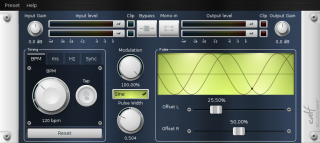 Additionally Pulsator got a Pulse Width setting (which needs some more work) and it’s possible to offset both channels individually now.
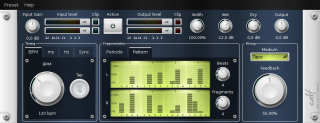 Another partially implemented (but actually ot working) feature is the new Pattern Editor in Vintage Delay where one can build custom delay patterns up to 8 beats with 8 fragments at max. As soon as we have full atoms support the Pattern Editor will be fully functional.
Category Calf Studio Gear | No comments »
Freitag, den 23. Oktober 2015
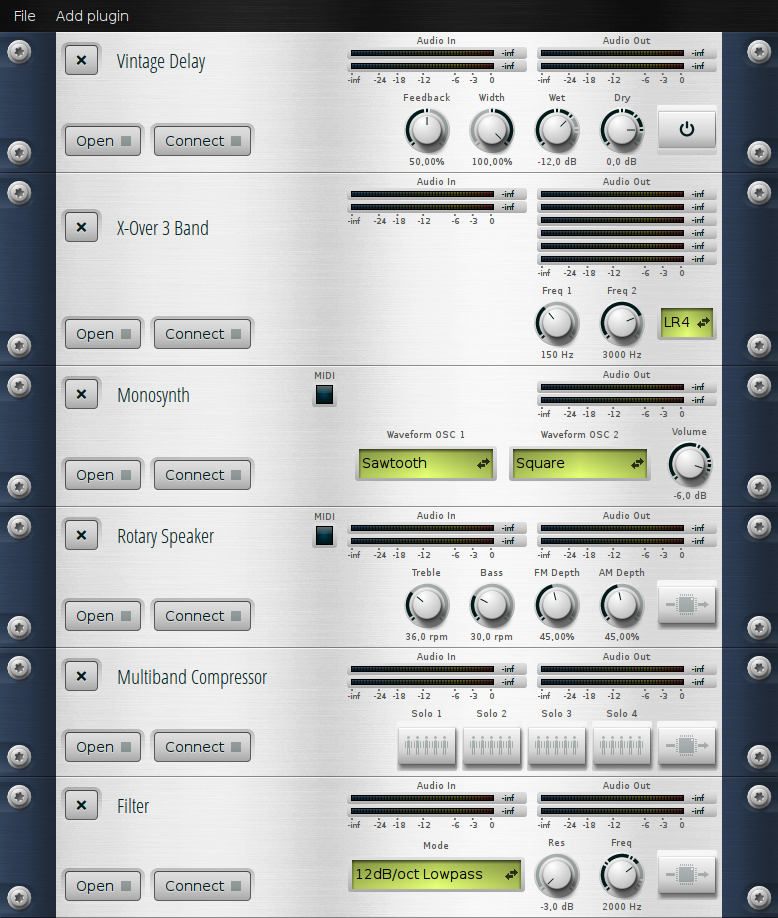
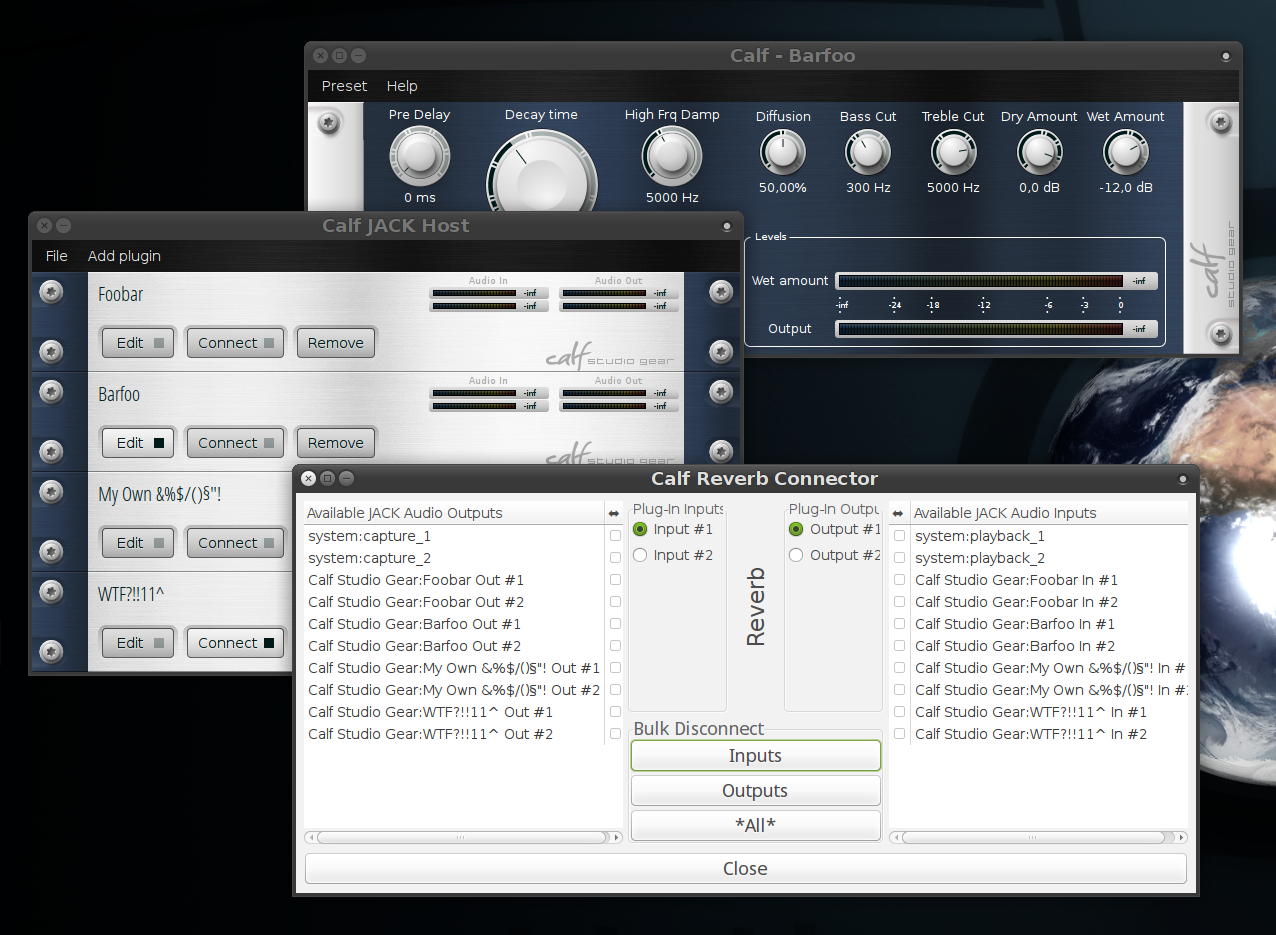
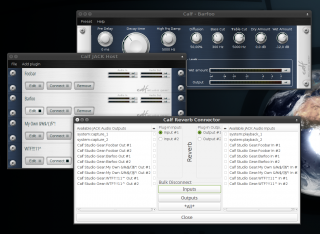 The latest update provides custom names for rack devices. Simply click on the title of a plug-in in the rack, enter a desired name and hit return. It is reflected in the rack, in jack and in the window title of plug-ins windows and it gets saved with your Calf session, too.
Category Calf Studio Gear | No comments »
Freitag, den 23. Oktober 2015
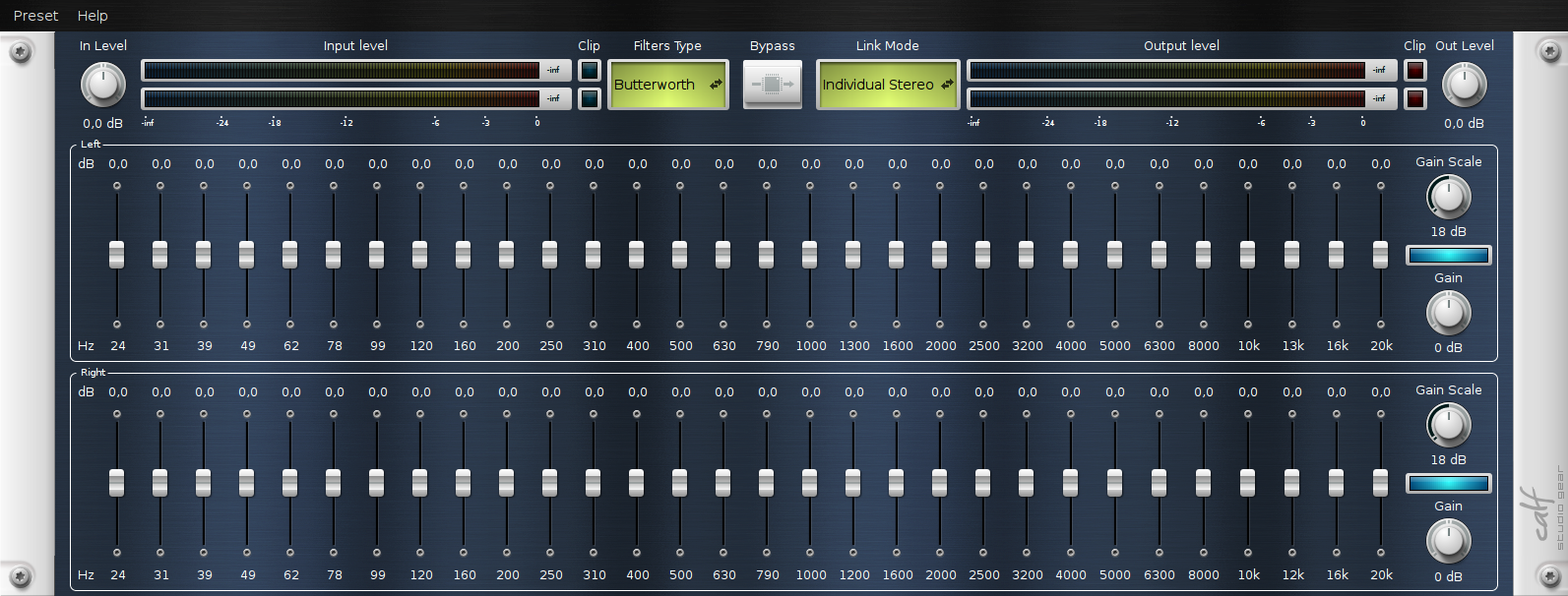
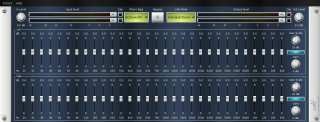 Lately I fixed the 30 Band Equalizer of drgreenthumb since it never really worked in a couple of hosts other than calfjackhost. Additionally there’s a new feature – both channels can affect the stereo signal individually now which means that you can have something like A/B comparison. And I reduced the necessary LV2 ports by 60 (!).
Category Calf Studio Gear | 3 comments »
Donnerstag, den 24. September 2015
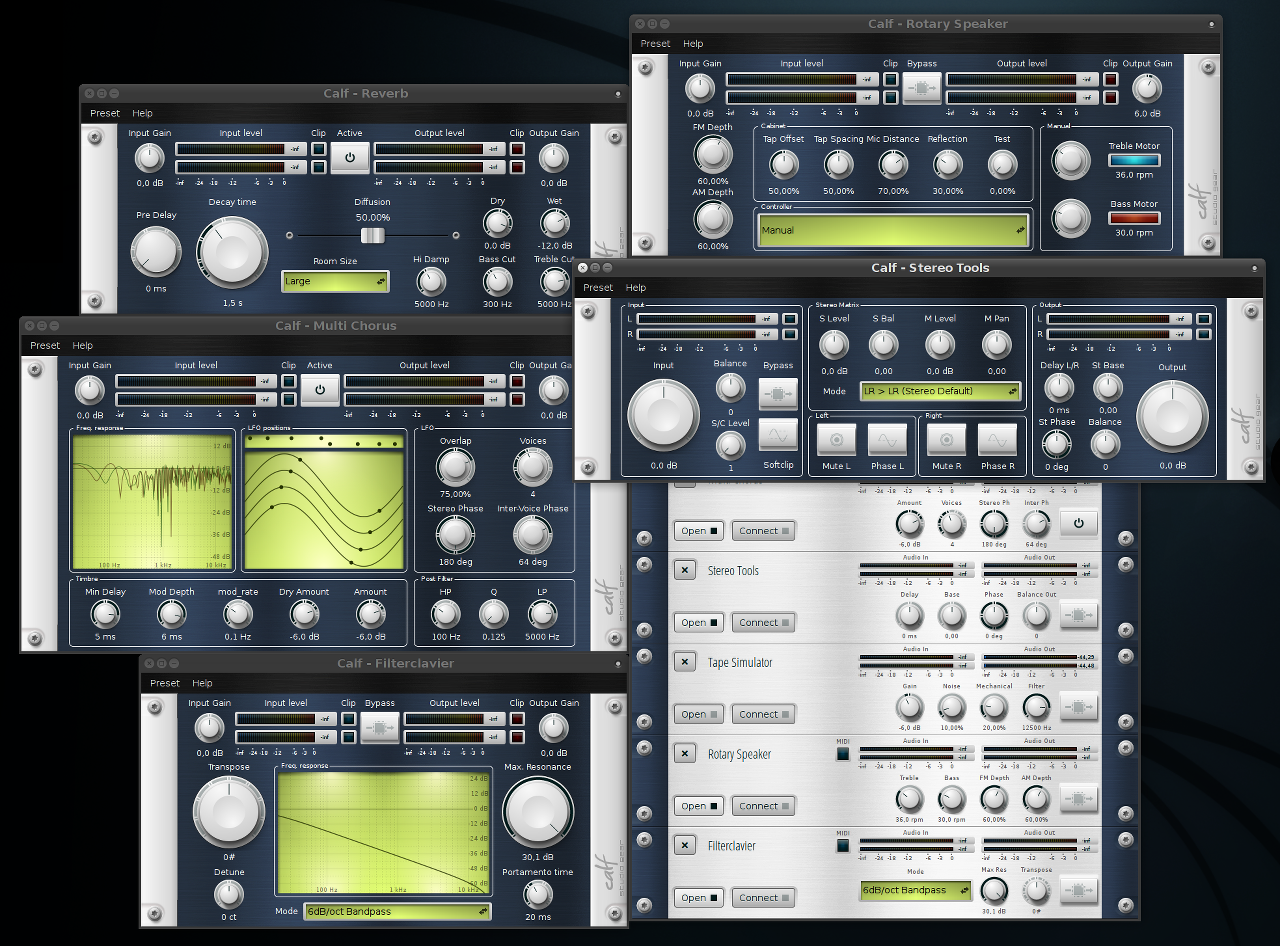
Someone asked for a dark theme – here it is.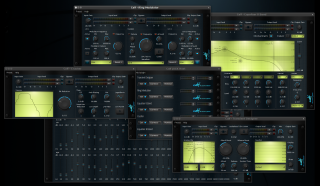
Category Calf Studio Gear | No comments »
Dienstag, den 4. August 2015
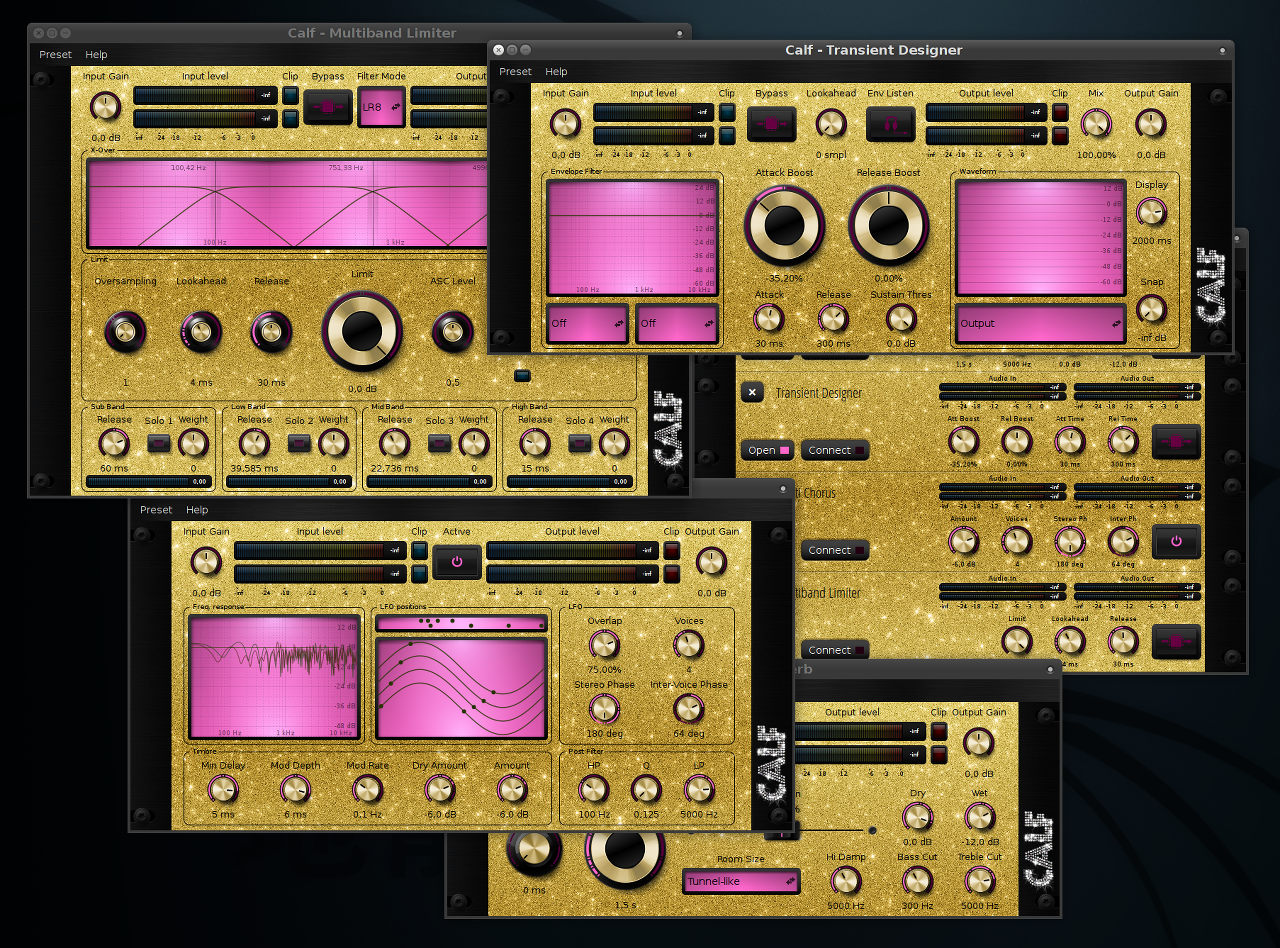
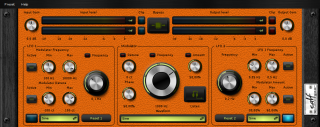 Retro styles FTW! Some of the other styles got a couple of updates, too. And the widgets problems are fixed at last.
Category Calf Studio Gear | No comments »



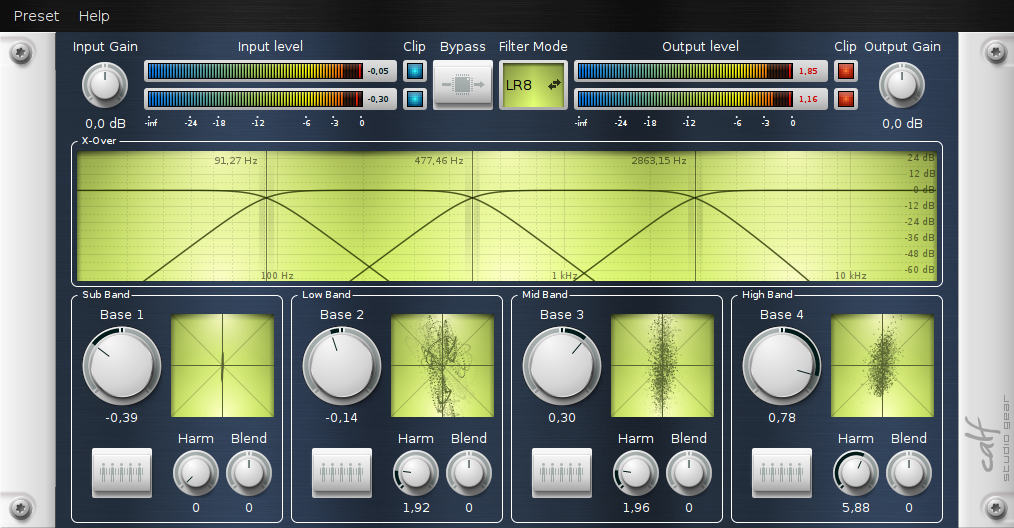 A new mastering device available in the Calf suite! The Multiband Enhancer spreads or reduces the stereo image and is able to add some harmonics – on four separate bands individually! For example: reduce the stereo base of your bass band to get more punch and spread it on the highest band for more air and stereo image. Monitor what you’re doing with the tiny goniometers in every band. Add some harmonics in the mid bands to raise the presence of your signal without changing the loudness – Multiband Enhancer really enhances your mix.