

traGtor 0.9.2: Bugs With Icons, Window Title
Mittwoch, den 22. Juli 2015Version 0.9.2: * Fix message dialog images * Use real version as window title


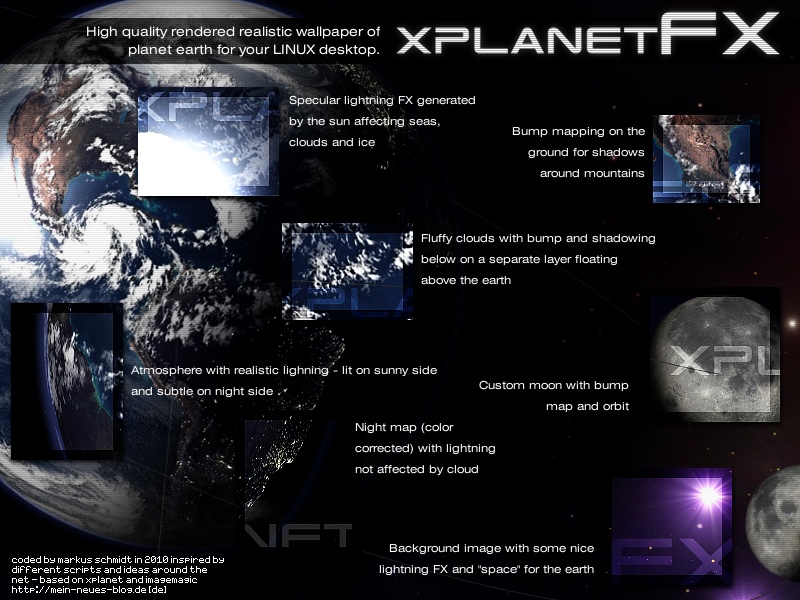
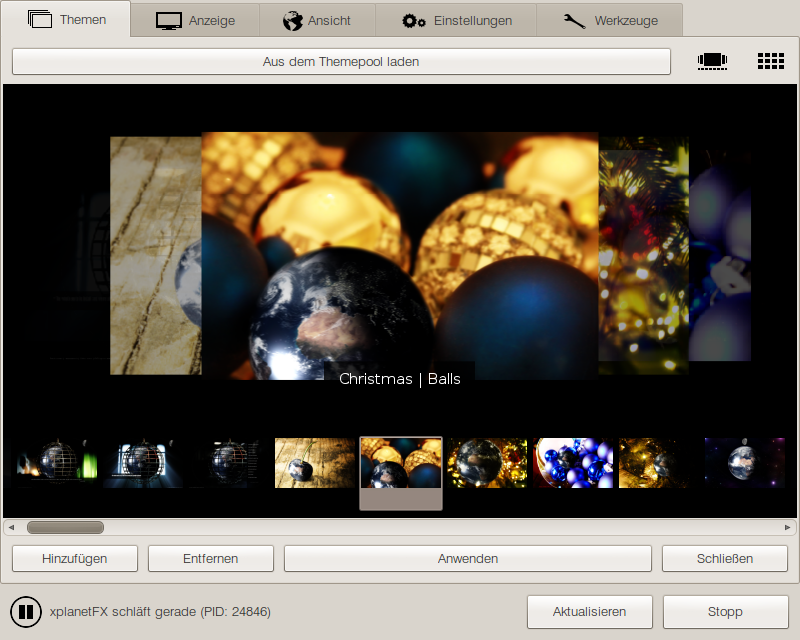
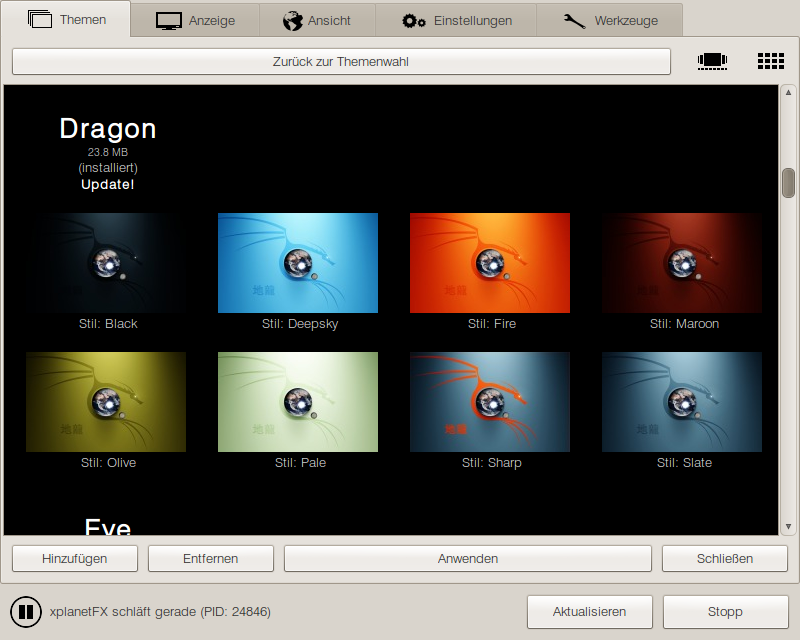
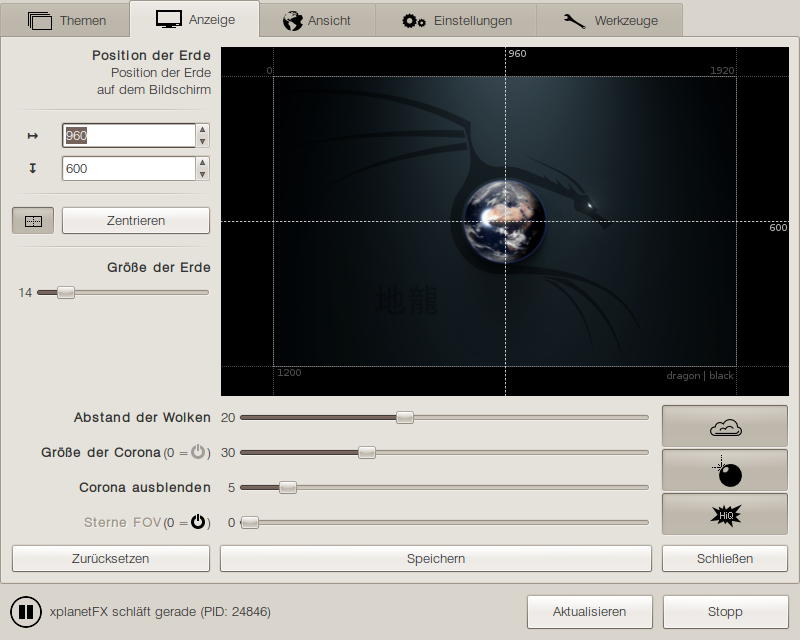
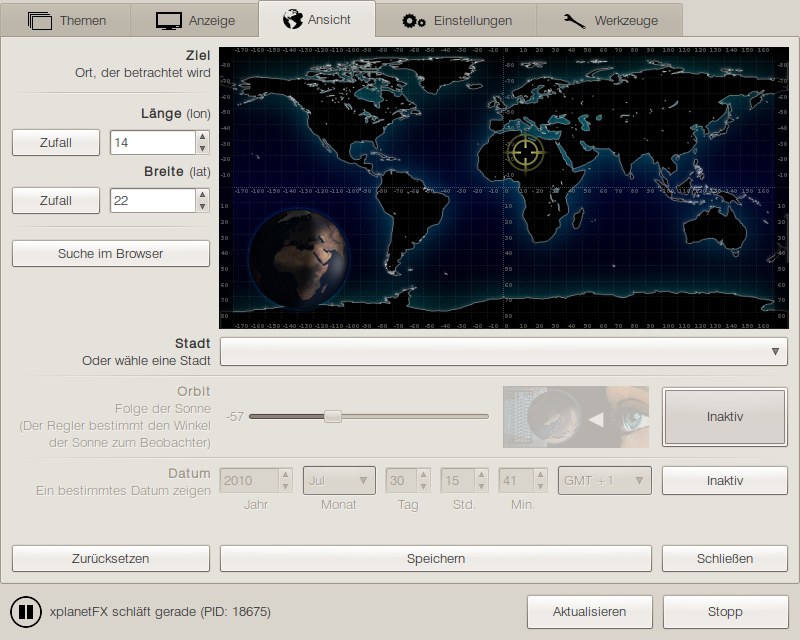
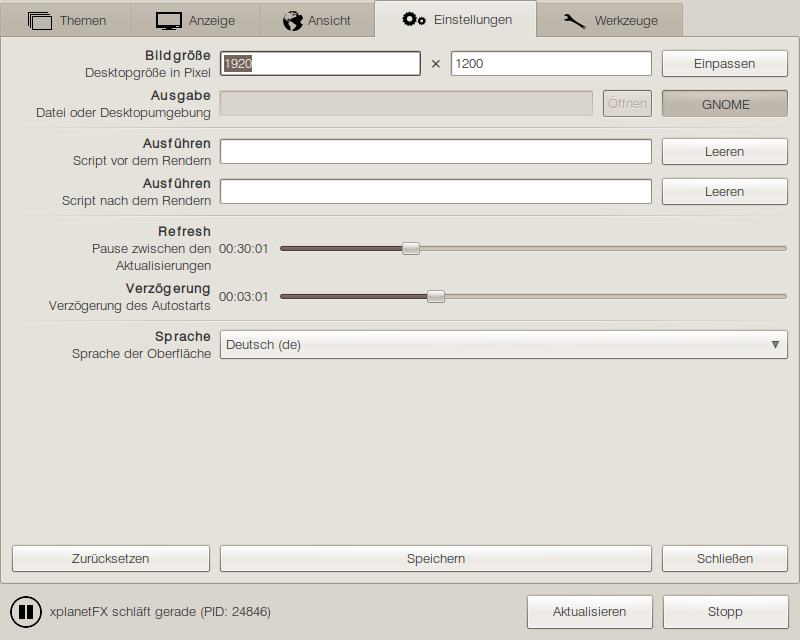
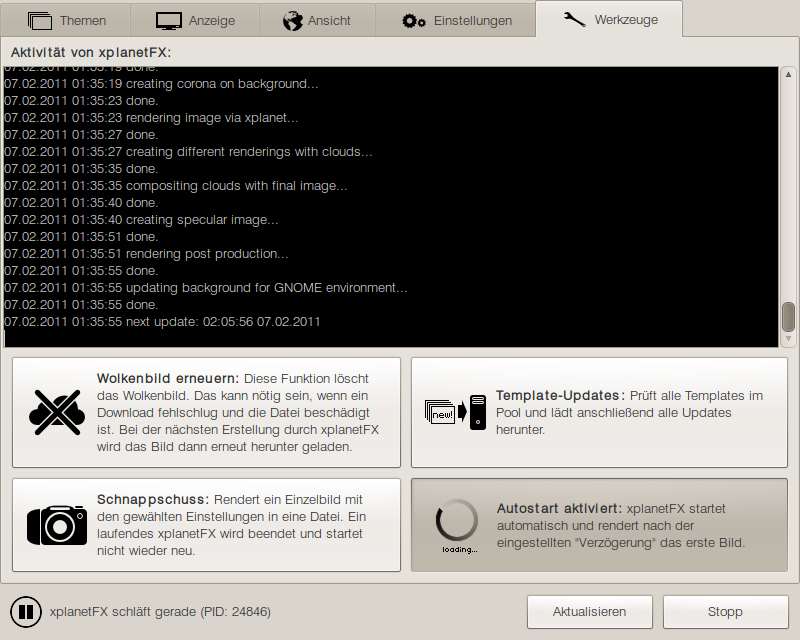
xplanetFX renders high quality wallpapers of mother earth on your desktop. An extensive GUI (GTK) provides a lot of features and settings. Various templates place the planet inside different scenes and make shure your desktop never gets boring again. With realtime light, shadows and clouds!
traGtor is a graphical user interface for the awesome conversion tool ffmpeg. With multi streams, presets, multi language and a lot of other features traGtor is a handy tool for converting all audio and video formats through ffmpeg. traGtor is based on GTK and Python.
Calf studiogear is an extensive and high quality plugin pack for professional audio production
under Linux. It provides a lot of synthesizers, effects and signal processing for the use with
LV2 audio production suites (like Ardour) or as stand-alone through JACK.
Calf with all of its new features and processors isn't officially released by now so you have
to grab the GIT-repository from sourceforge.net until we are ready for a stable release.
» calf.sourceforge.net
guess is a tool to launch (and kill) different setups of programs. It was invented to startup all needed synthesizers, audio suites, MIDI sequencers and stuff with the correct source files on the right desktop for a single audio production with just one click.
xplanetFX - series:
Mit xplanetFX ganze Bilderserien erstellen
oRainge Theme:
GTK-, GDM-, Metacity-, Icons-Theme
oRainge gDesklets:
Sprechende Uhren, Kalender, System-Widgets (manual)
photogen:c SVG-Icons:
Diverse High-Quality-Icons im SVG-Format
traffick:
Serverumgebungen testen. Durch skalierbares Threading erzeugt traffick Unmengen an Suchanfragen
und Webseitenaufrufen, um ein hohes Maß an Vorratsdaten Netzwerkauslastung zu simulieren.
GIMP Plug-In “Moderated Blur” for Tilt Shift and Depth-Of-Field Effects
Version 0.9.2:
* Fix message dialog images
* Use real version as window title
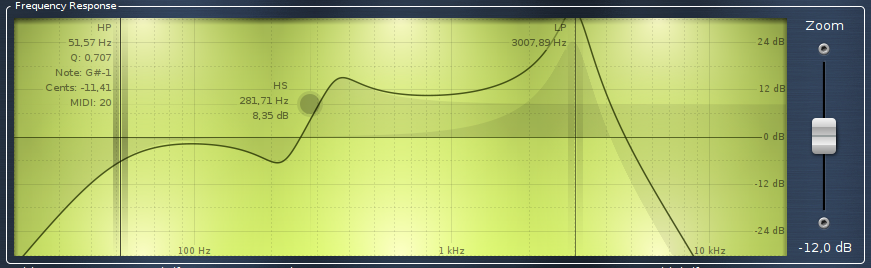 The equalizer series received a couple of updates:
(Please be aware that the user interface of the git version has some flaws actually)
Version 0.9.1:
* Try to fix a bug with newer ffmpeg and "newaudio" or "newvideo" option

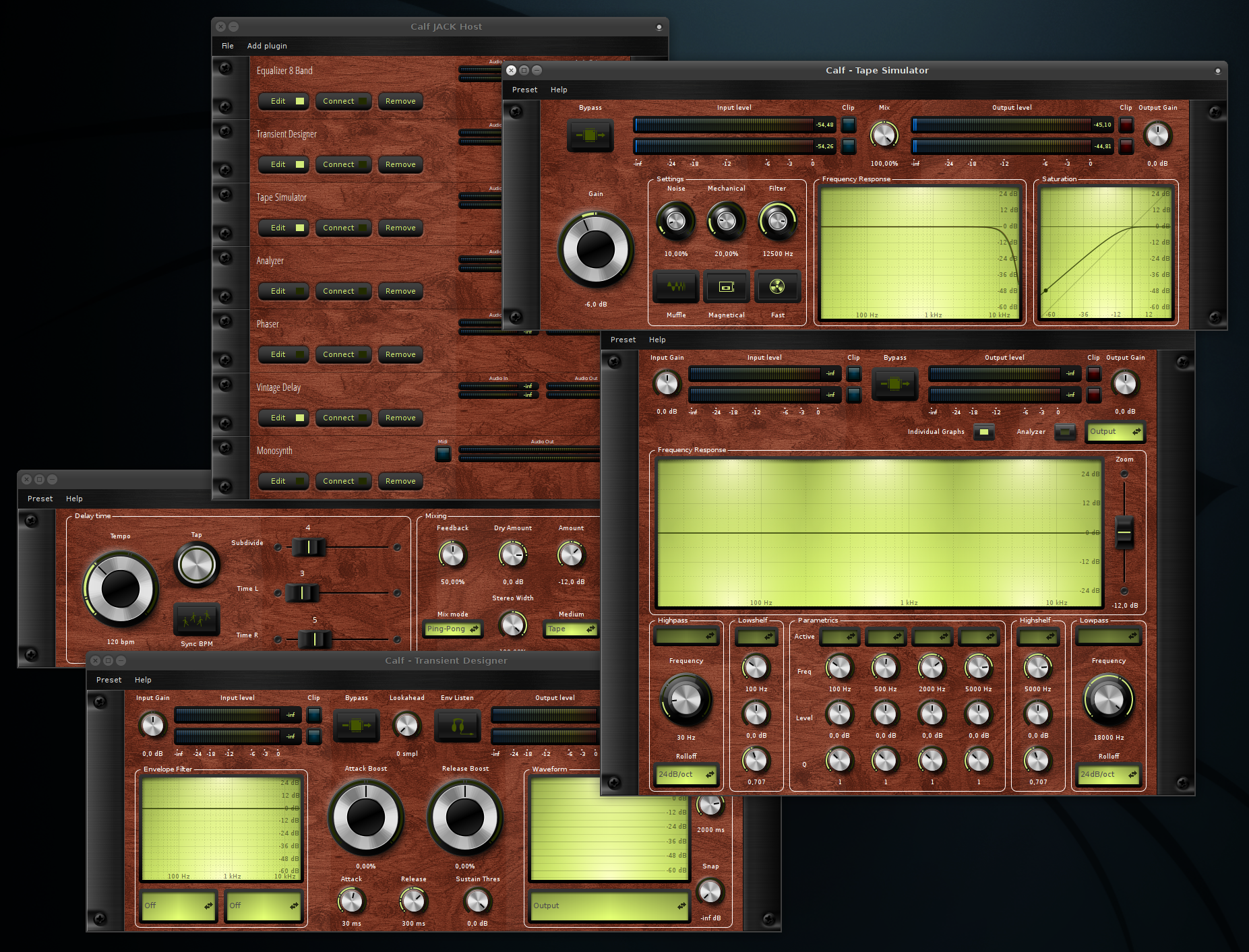
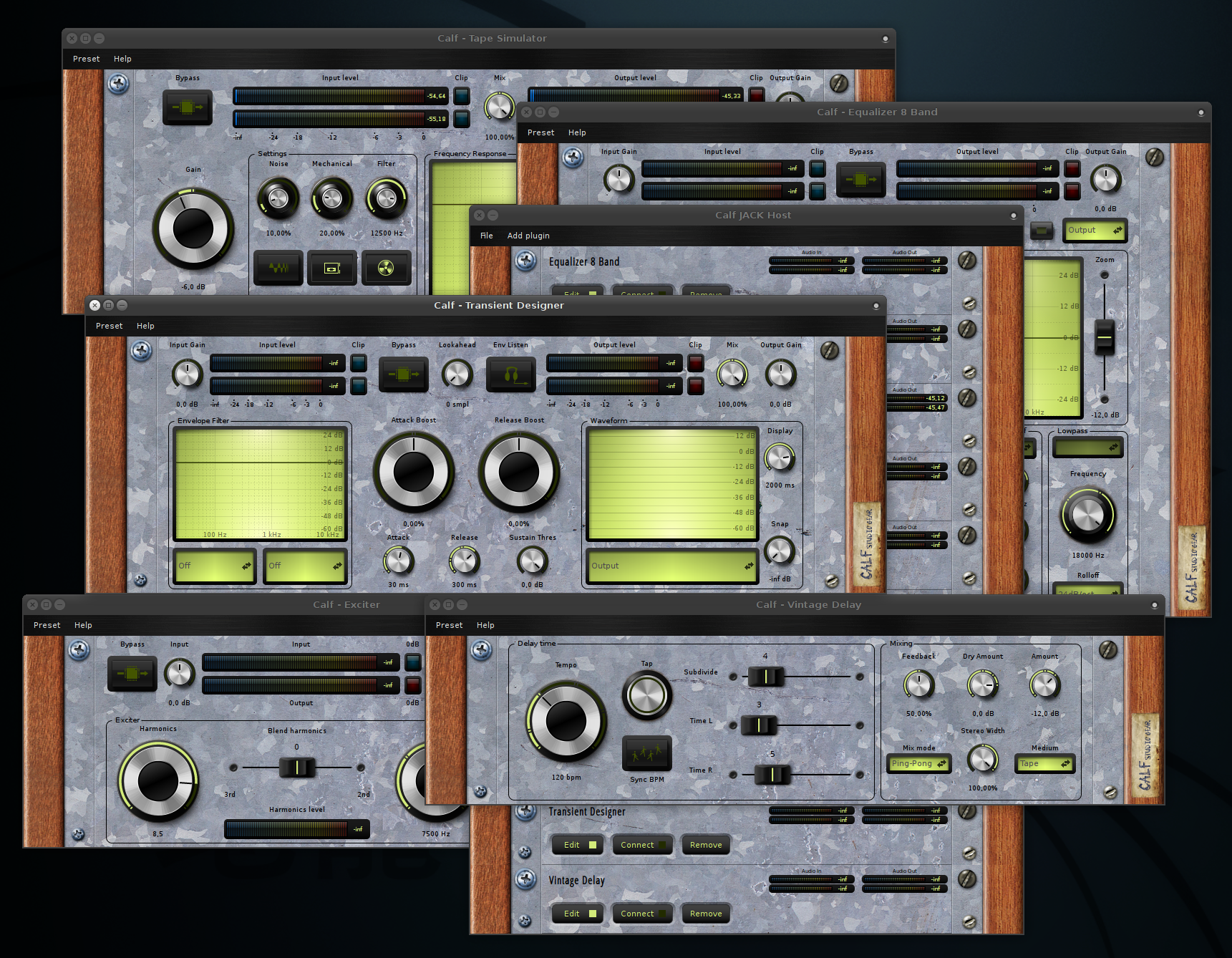 Since Calf supports custom styles boring weekends are history it seems .)
There are some minor problems I’m struggling with but mainly everything works fine by now.
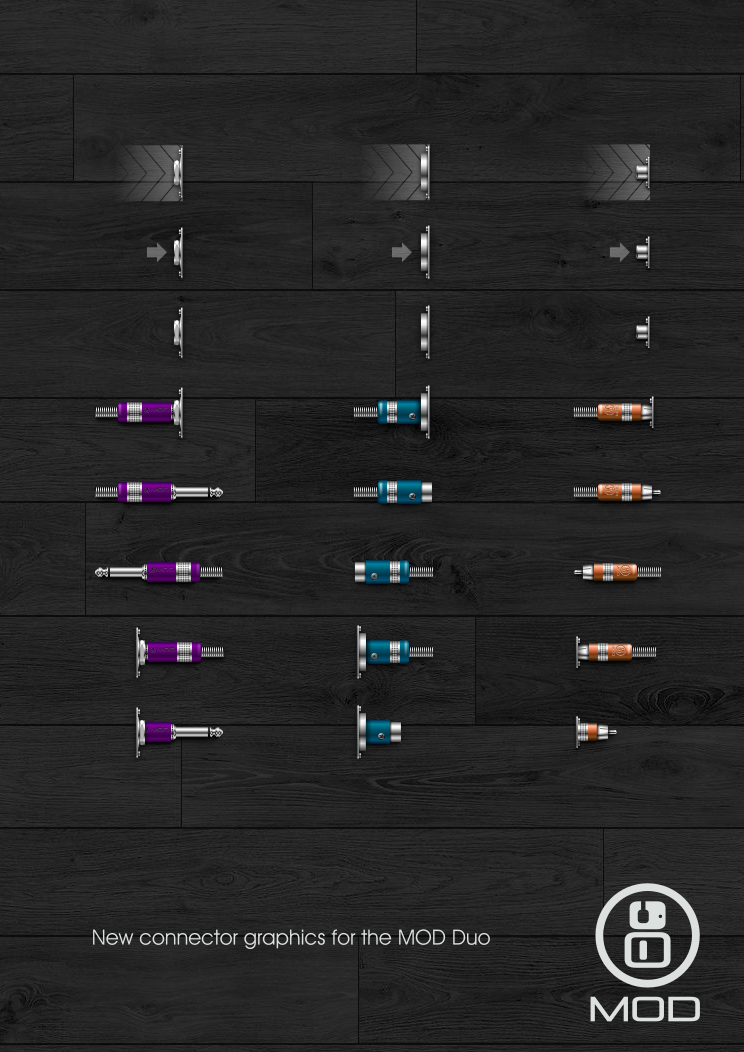 As a new member of the MOD crew my first steps were – surprise, surprise – creating some new graphics for the UI.
Calf got a function in preferences to select its style. As a first use case I backported the 0.0.19 style so everyone unhappy with the fresh design can choose to look at ancient times again.
* New: selectable styles
    * 2 initial styles: default (new) and 0.0.19 (old)
    * Default style with slightly changed graphics
    * Lots of style depending values configurable in gtkrc
    * Image_factory generating style-depending pixbufs
    * Real transparency, gtkrc border-radius and bevel for:
      ComboBox, LineGraph, PhaseGraph, LevelMeter, Button,
      ToggleButton, RadioButton
    * Faders images as sprites
    * Lots of bug fixes, layout quirks and rendering improvements

    * Missing: color of line graph vector drawings (background is custom colored though)
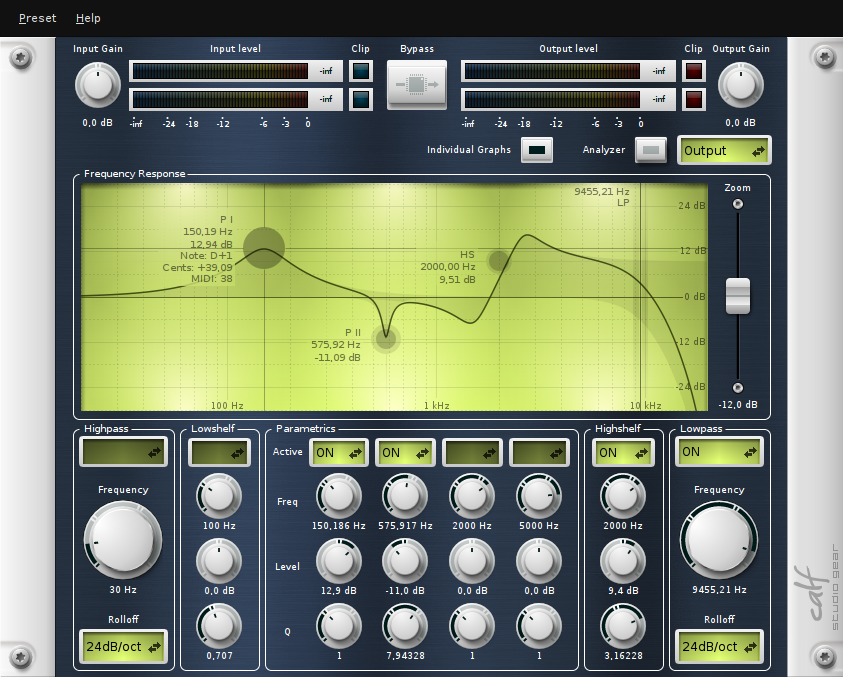
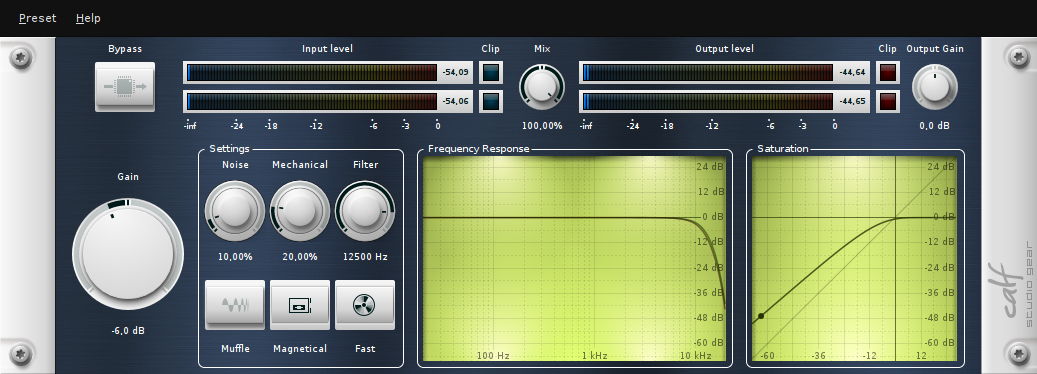
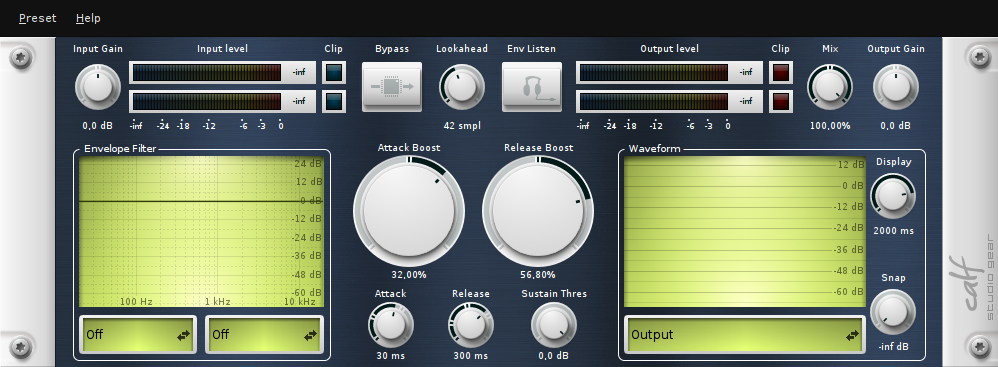

But apart from the fresh surface and fancy nipples the equalizer line graph got an update – they show dB, notes, cents and MIDI numbers for handles (I’m hovering the left most handle in the screenshot) and in the cross hair. Oh and not to forget – Q for shelves! See the result in the equalizer screenshot – the most right circular handle is a high shelv with a higher Q. And last not least – we have reliable meter scales now.
After weeks of problems with clouds from the CORAL network I implemented another option to fetch clouds images from today.
Version 2.6.6:
* Implement free download from xplanetclouds.com after trying CORAL
  CDN first
 We’re proud to introduce our new web „experience“ – a new website with a new domain and a new repository. Unfortunately we lost lots of great reviews, all bugs and feature requests and so on but we couldn’t stand the actual behavior of SourceForge anymore. There was a discussion among us about this topic and today Krzysztof made me aware of this one so we decied it’s time to finally leave SF and to publish the new website in that course.
The most promising solution was GitHub, so we moved the repository over there and we will use its issue system for tickets in the future.
https://github.com/calf-studio-gear/calf
The new website is now available at:
…which is also much faster than the SF webserver. I informed all owners of open bugs but once again: sorry for any inconvenience!
If you are experiencing any problems with the new website feel free to report them here. Thanks in advance.
And please remember to update your Git config to „url = https://github.com/calf-studio-gear/calf.git“!
Hint: This is not what I meant with „what I was working on the last few weeks“ yesterday…
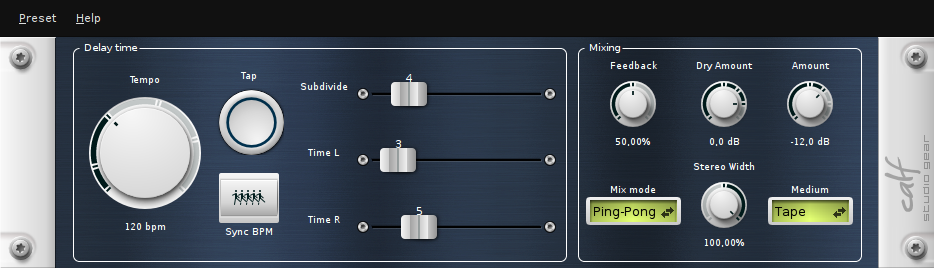
 Finally! The new horizontal faders are mainly working (no values by now). They have a mouse over state as well as functional mouse pointers and are much faster in drawing now.
P.S. What I was working on over the last weeks will hopefully get released soon, let’s see what Krzysztof thinks about .)
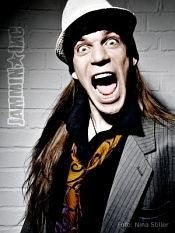
Vollnerdmusikergutmensch auf Schuhgröße 42 1/2.
Schlagzeugproduzentenputze im Kleintiergewerbe.
Hauptberuflich Konsumgefährder und Gedankenverbrecher.
Impressum & Datenschutz