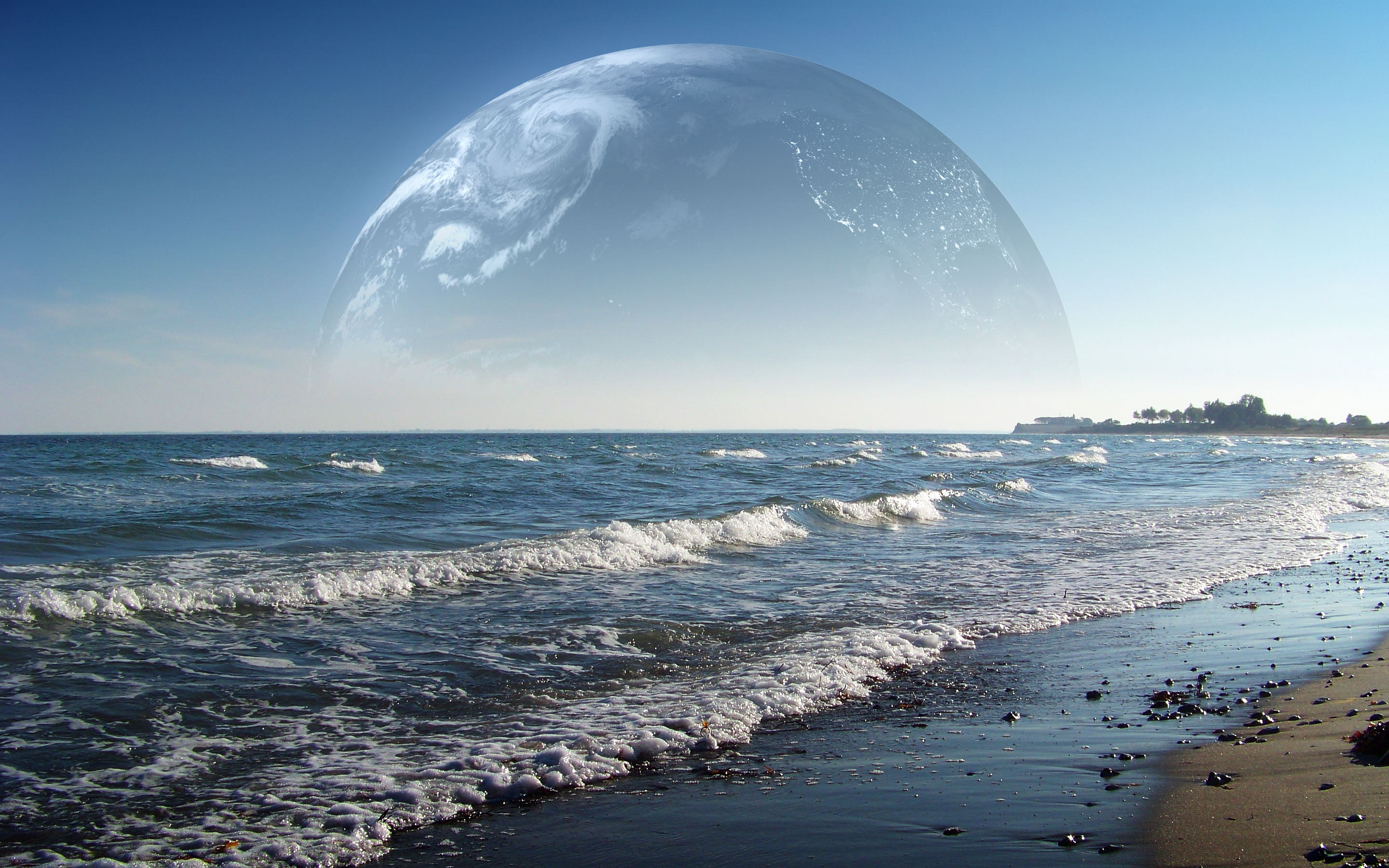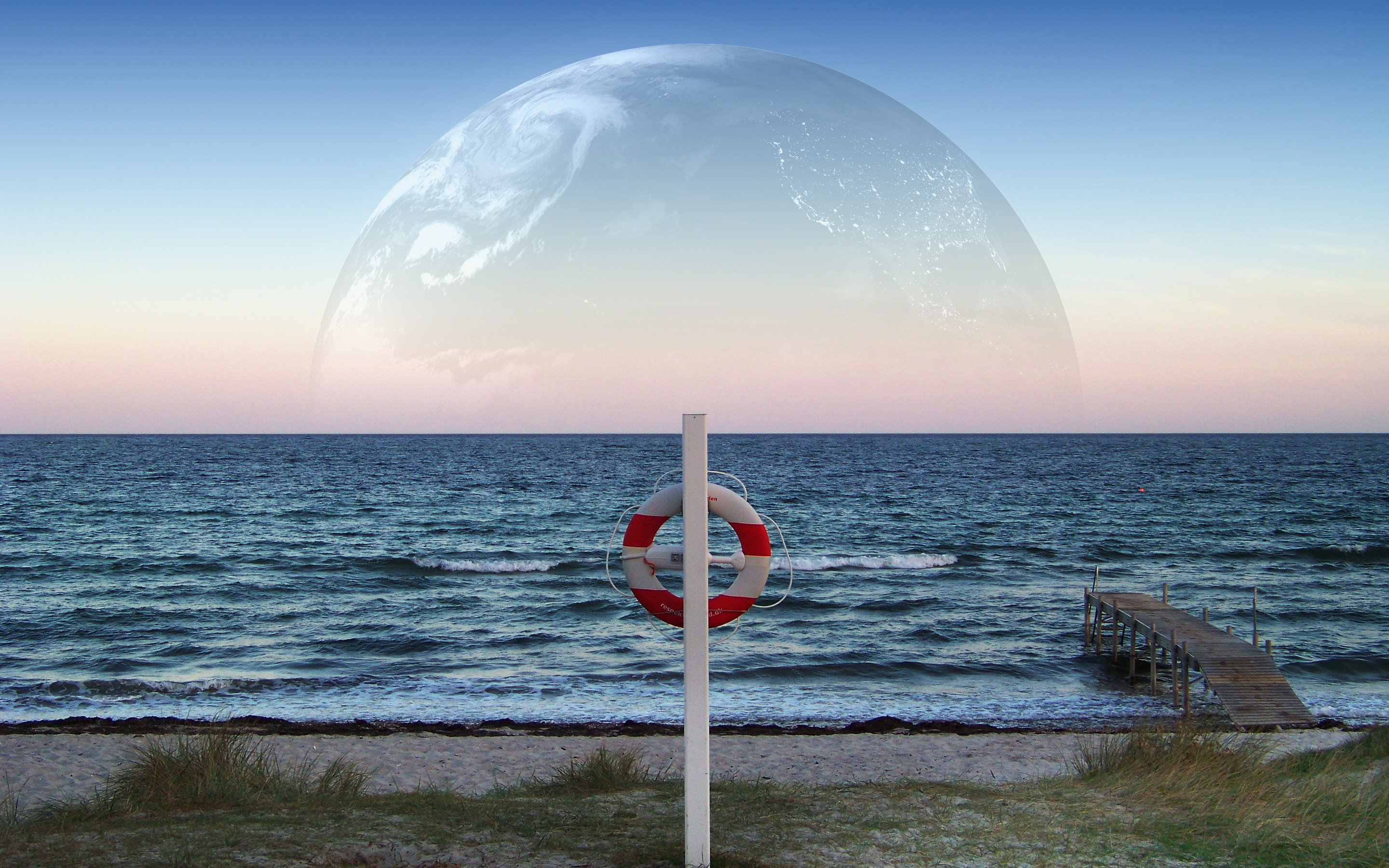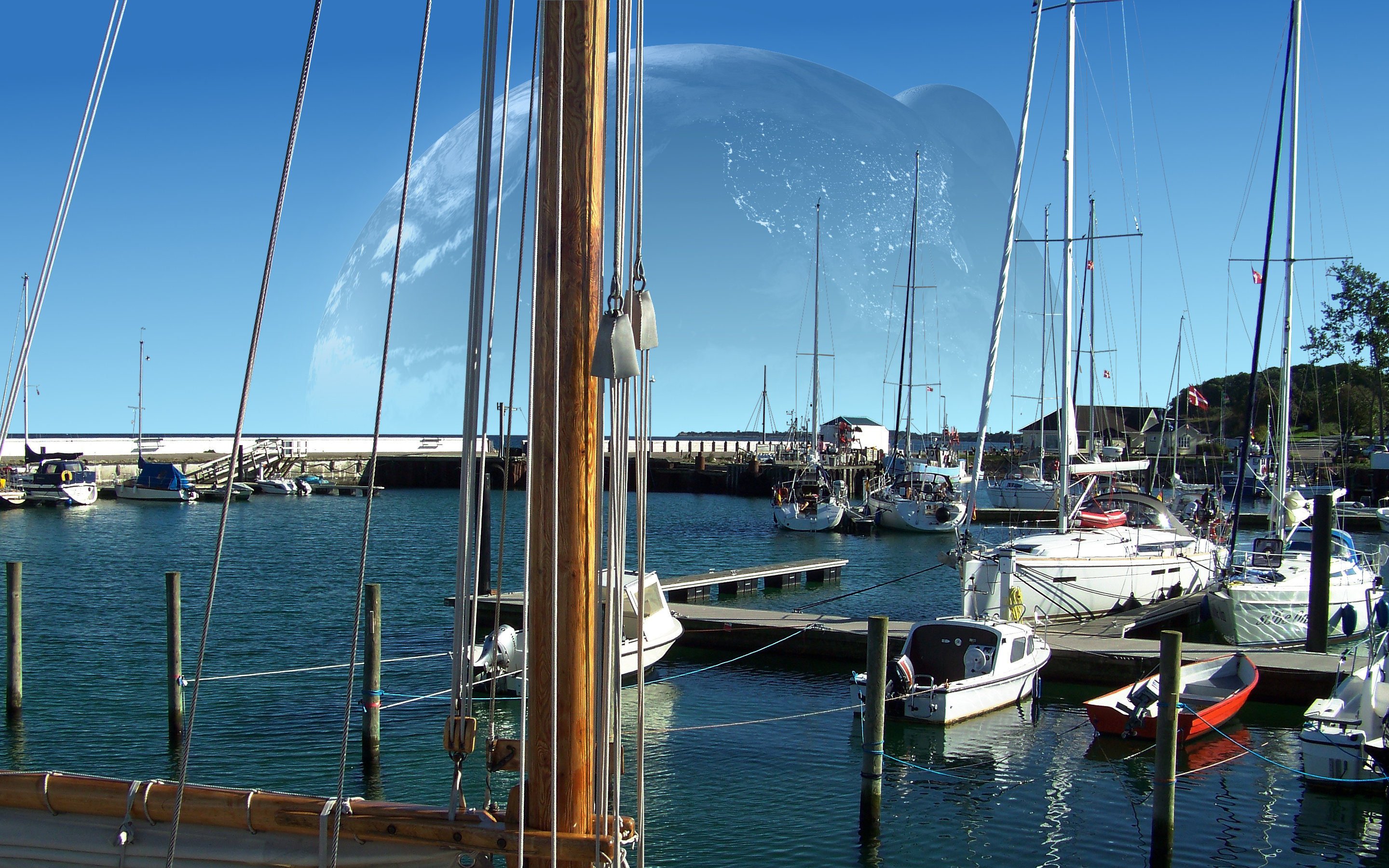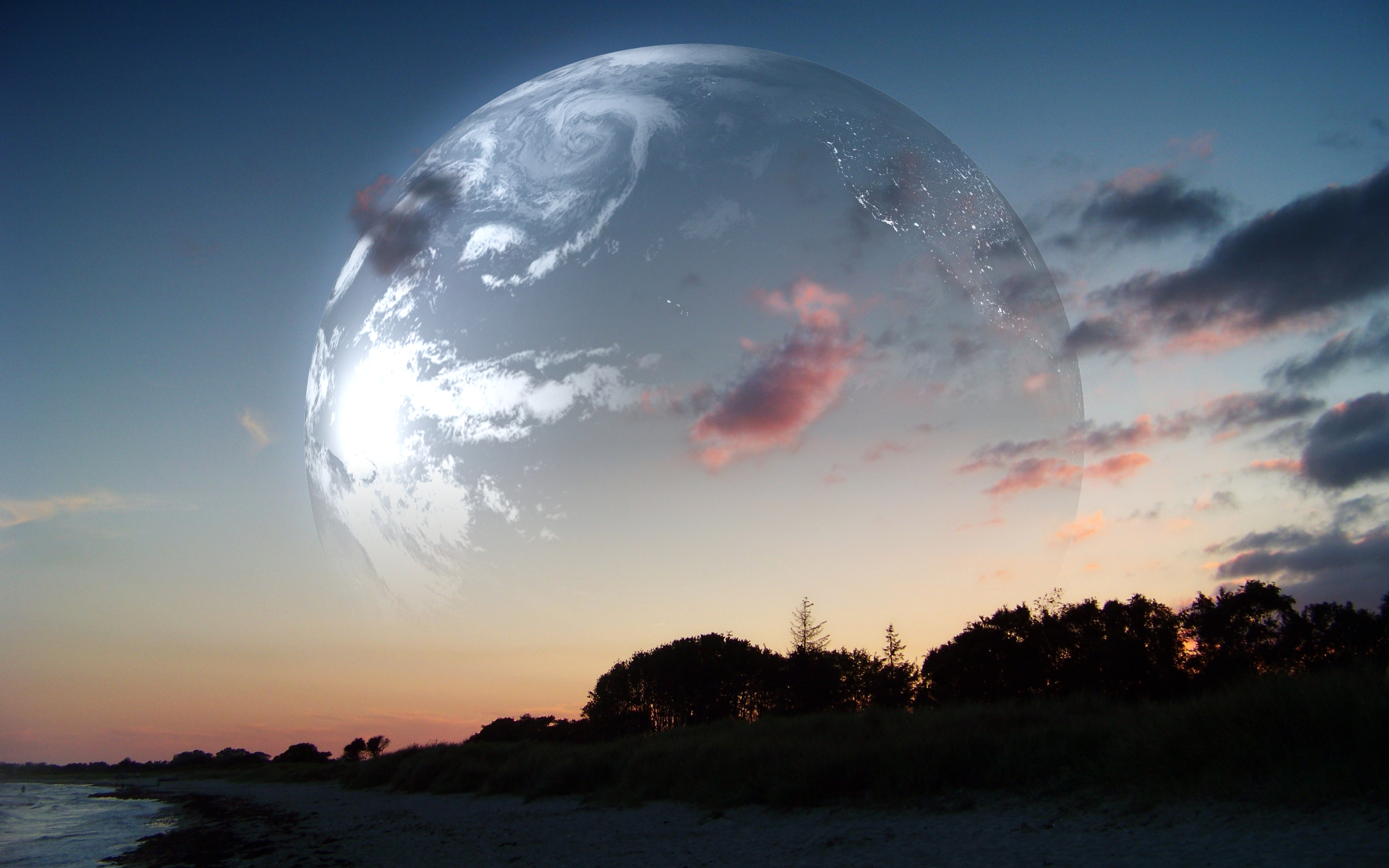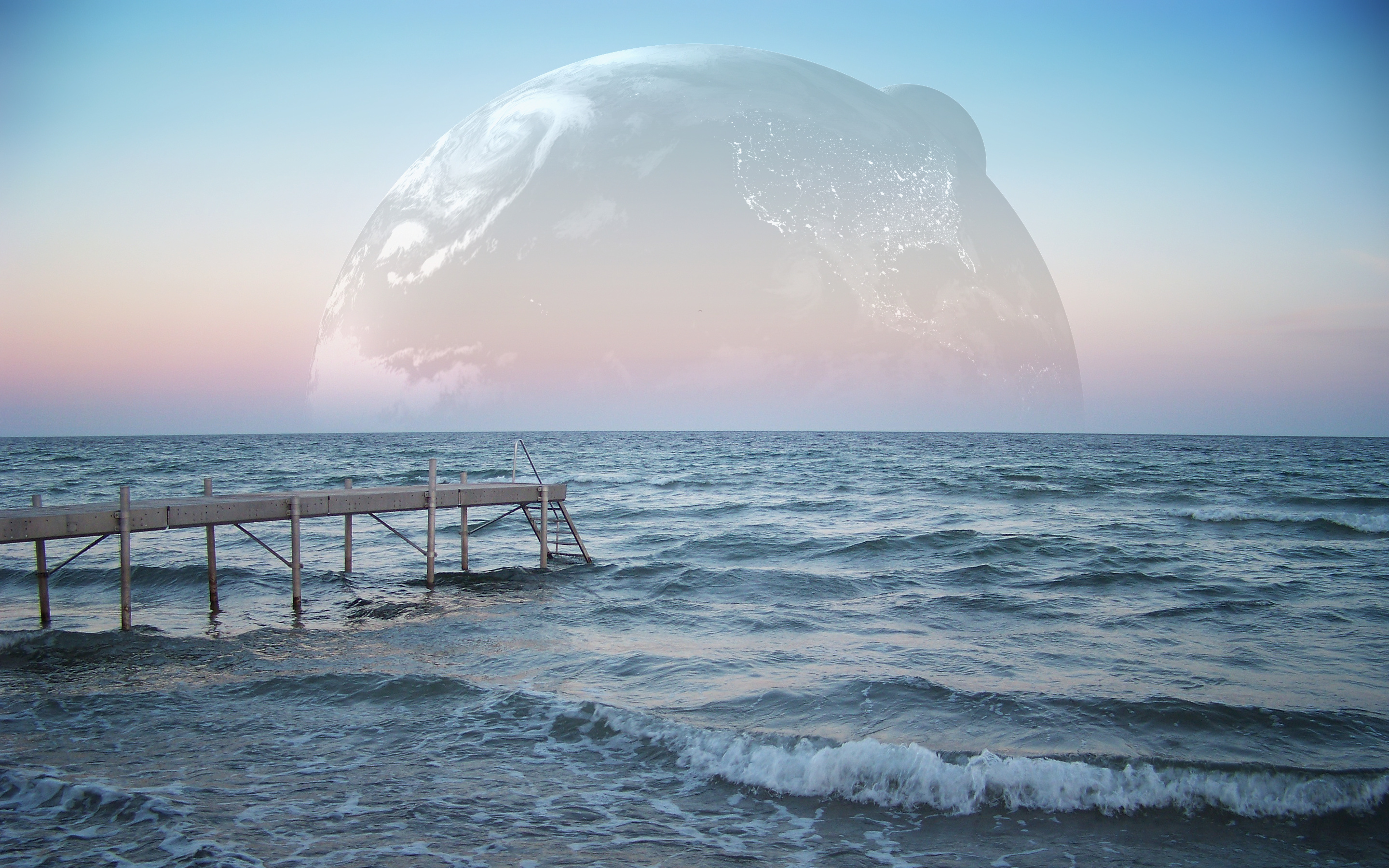
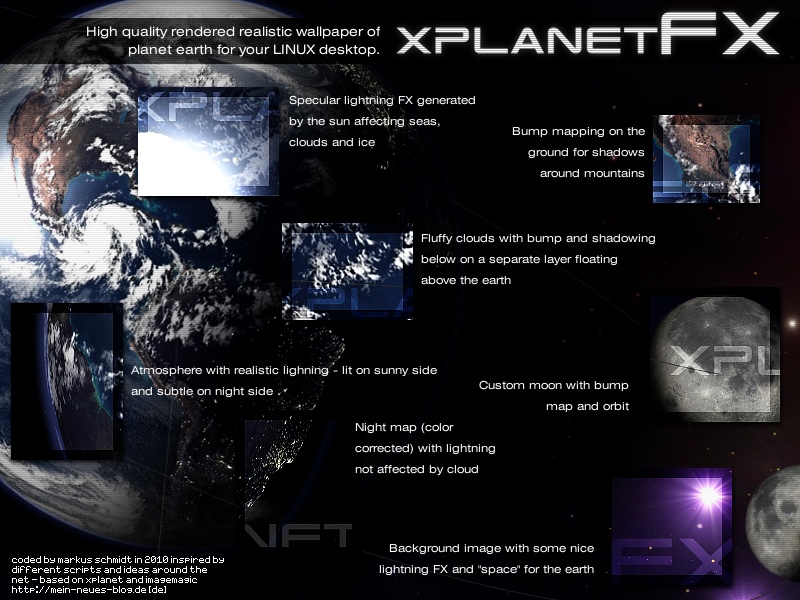
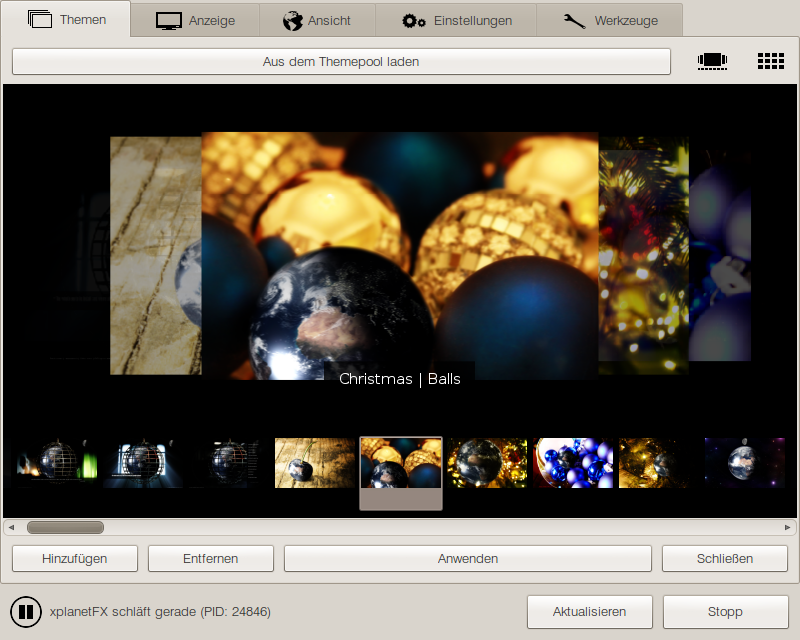
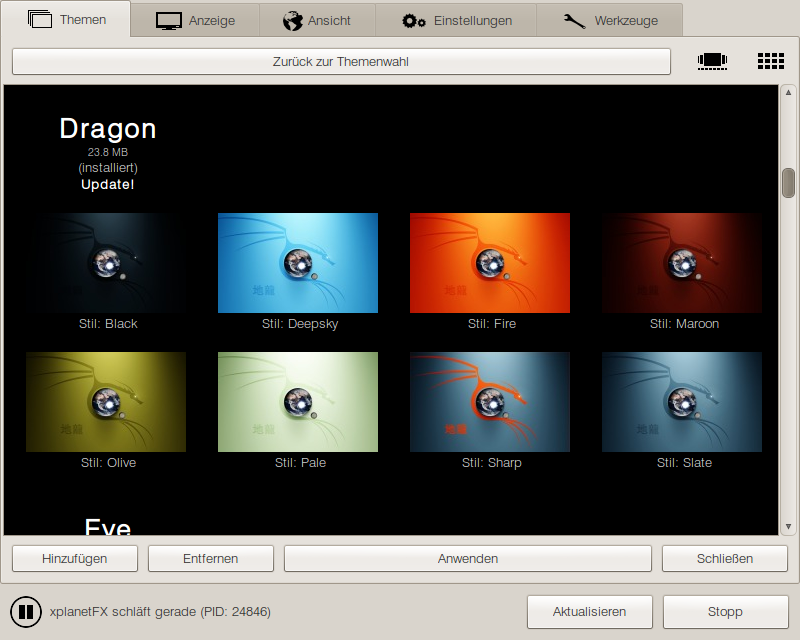
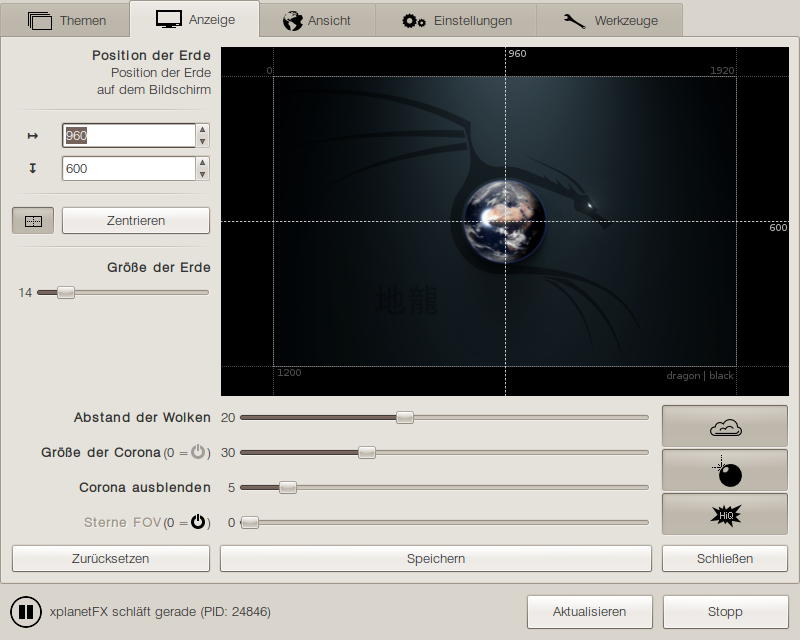
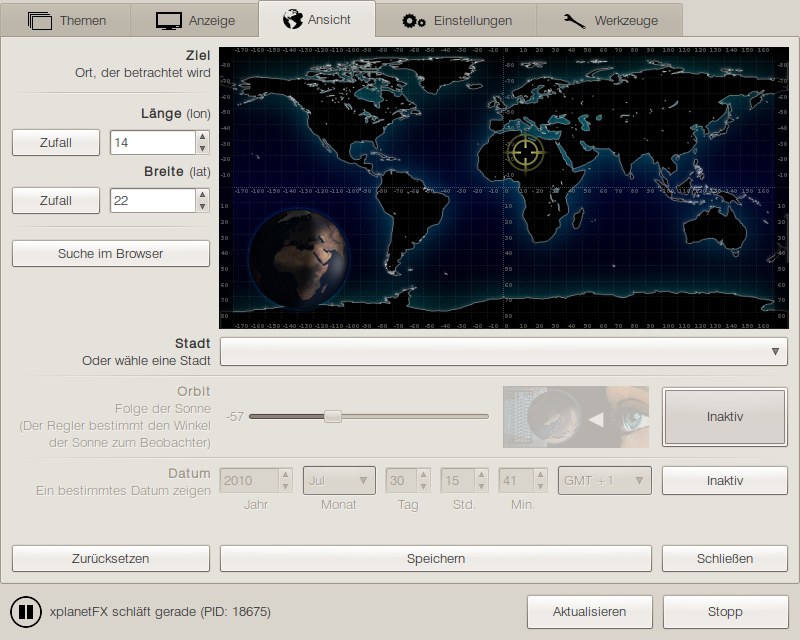
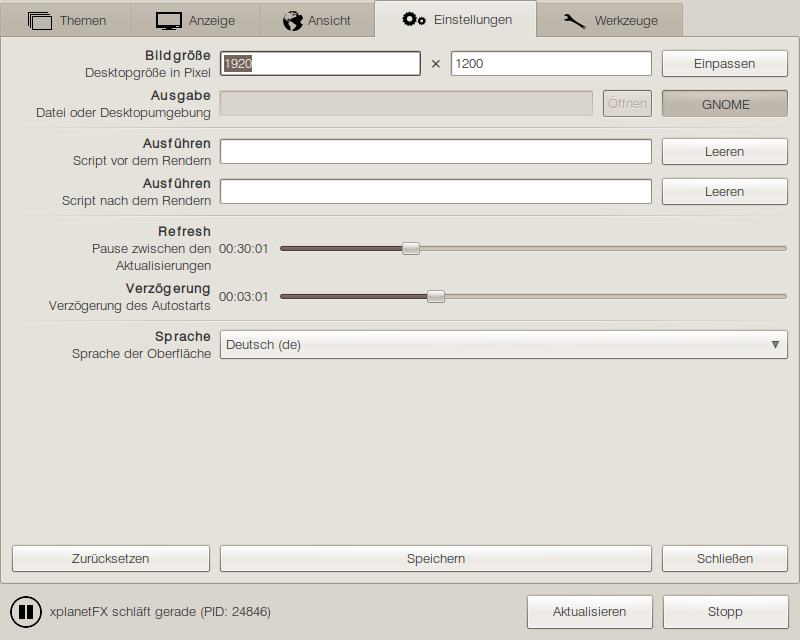
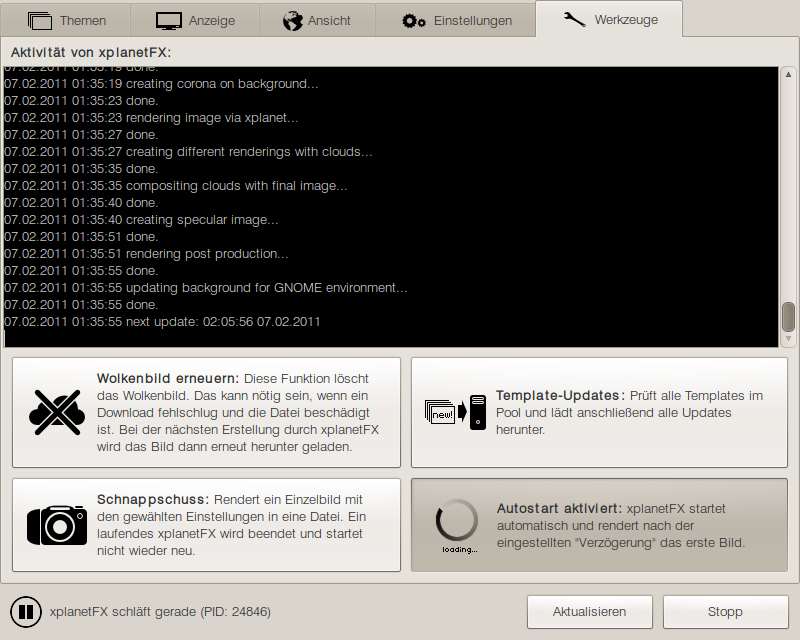
xplanetFX renders high quality wallpapers of mother earth on your desktop. An extensive GUI (GTK) provides a lot of features and settings. Various templates place the planet inside different scenes and make shure your desktop never gets boring again. With realtime light, shadows and clouds!

traGtor is a graphical user interface for the awesome conversion tool ffmpeg. With multi streams, presets, multi language and a lot of other features traGtor is a handy tool for converting all audio and video formats through ffmpeg. traGtor is based on GTK and Python.

Calf studiogear is an extensive and high quality plugin pack for professional audio production under Linux. It provides a lot of synthesizers, effects and signal processing for the use with LV2 audio production suites (like Ardour) or as stand-alone through JACK.

Calf with all of its new features and processors isn't officially released by now so you have to grab the GIT-repository from sourceforge.net until we are ready for a stable release.

» calf.sourceforge.net

guess is a tool to launch (and kill) different setups of programs. It was invented to startup all needed synthesizers, audio suites, MIDI sequencers and stuff with the correct source files on the right desktop for a single audio production with just one click.

xplanetFX - series: Mit xplanetFX ganze Bilderserien erstellen

oRainge Theme: GTK-, GDM-, Metacity-, Icons-Theme

oRainge gDesklets: Sprechende Uhren, Kalender, System-Widgets (manual)

photogen:c SVG-Icons: Diverse High-Quality-Icons im SVG-Format

traffick: Serverumgebungen testen. Durch skalierbares Threading erzeugt traffick Unmengen an Suchanfragen und Webseitenaufrufen, um ein hohes Maß an Vorratsdaten Netzwerkauslastung zu simulieren.

GIMP Plug-In “Moderated Blur” for Tilt Shift and Depth-Of-Field Effects

stuff (de) guess calf traGtor xplanetFX

Archiv der Kategorie ‘xplanetFX‘

xplanetFX: new templates “Art” and “xplanetFX”

Montag, den 24. Oktober 2011

To demonstrate the new features of the render engine in xplanetFX I created two new templates relying on the version 2.4.0 (but working in older versions, too – just without the new candy stuff). The first one is “Art” which generates a “wooden” sphere that is composed over the original earth and the other one is a xplanetFX branded template referencing to the start screen of the xplanetFX GUI. This one generates a “realistic” mirror of the earth with clouds underneath the globe.

The main new feature in the rendering engine is the ability of templates to hook in the render process and to execute custom functions with a limited set of commands inside a sandbox. So after every step xplanetFX has done it asks if the template wants to do some rendering stuff, too. This will be the base for a lot of cool effects and more realistic lighting stuff for example.

Although the template processes are run in a sandboxed environment with just a few commands like xplanet, convert aso I recommend to avoid using templates you stumble upon out there in the wild that contain a “process” file. Templates aren’t even allowed to copy, move or delete stuff but better safe than sorry ,)

Here are two other tests I used in the development that aren’t available as templates: clouds floating over a perforated earth and subtle to harsh color manipulations separated by a dynamically created mask (the original earth swirled around a bit).

xplanetFX 2.4.0: New template features & XFCE >= 4.6 fixed

Sonntag, den 23. Oktober 2011
Version 2.4.0:
* New feature: templates can hook in the rendering process to execute graphical
  processings in a sandboxed environment with reduced binary access
* New feature: xplanetFX --geometry auto
* New feature: xplanetFX --templates (gives a list of all installed templates)
* New feature: xplanetFX --debug
* XFCE >= 4.6 uses xfconf backend
* Environment variable determination transfered in encapsuled function calls
* Debug tries to determine the installed distribution
* Debug throws information about the installed ImageMagick version
* Fixes in greek language file - many thanks to vagrale13!
* ASCII Art in --help .)

xplanetFX: new theme “Eschaton”

Montag, den 10. Oktober 2011

Just as a reference to my actual conversation with Yours-Truly (de) in the depths of this blog ,) Technically far from perfect so perhaps there are some updates in the future when the optical flaws bug me to harsh. And perhaps there are some other styles in the future – Vossi (or here) always wanted to see tons of astro-garbage gyrating around our planet – this theme seems to be the perfect container for that ^^

xplanetFX 2.3.6: dealing with different GNOME backends

Dienstag, den 4. Oktober 2011
Version 2.3.6:
* Use gsettings and gconf always in parallel if installed - thanks to the fucked
  up GNOME backend (testing!)

xplanetFX 2.3.5: UI stuff

Donnerstag, den 29. September 2011
Version 2.3.5:
* Lowered some paddings on the view and display tabs to get more space and
  prevent the UI from breaking with different themes

I’m asking myself if it doesn’t catch nobodies eye that faders are slipping behind buttons or why I don’t know things like Ubuntu 11.04 is breaking on wallpaper changes…

Dear users of xplanetFX – you don’t have to register, you don’t have to go through endless bug reporting processes, you not event have to state your real email address – just drop me a line in the comments if you’re experiencing flaws and I will see what I can do for you. Thank you very much in advance!

xplanetFX 2.3.4: Fix for Ubuntu 11.04 and nicer clouds shadows

Donnerstag, den 29. September 2011
Version 2.3.4:
* Ubuntu 11.04 refused to update background through gsettings
* Increased contrast for shadows under clouds to prevent lots of mud on northern
  hemisphere

If this fix for gconf/gconftool/gsettings breaks on e.g. Fedora 15 again, please let me know immediately! Thanks in advance.

And I didn’t like this amount of mud the mist on the northern hemisphere produced together with the clouds shadows underneath so I raised the contrast of the shadows a bit. It prevents shadows under “real” but thinner clouds, too but I can live with that compromise.

xplanetFX 2.3.3: GUI broke on larger fonts

Donnerstag, den 22. September 2011
Version 2.3.3:
* GUI broke on larger fonts (affected display, view and service tab) should work
  now up to 12-13pt
* Overlays can be disabled _and_ enabled in UI and CLI

xplanetFX 2.3.2: greek language update and minor fixes

Dienstag, den 20. September 2011
Version 2.3.2:
* Updated greek language file - many thanks to vagrale13!
* Translation automation for label "Services" was missing
* xplanetFX GUI couldn't be closed while installing NASA BMC

Version 2.3.1:
* New options to install/remove NASA BMC were missing in CLI help

xplanetFX 2.3.0: NASA Blue Marble Collection

Dienstag, den 20. September 2011

Version 2.3.0:
* NASA Blue Marble Collection as a permanent feature
* Automated installation and removal for NASA BMC with logging
* Little preview images in GUI for NASA BMC
* Moved xplanetclouds.com service to new tab 'Services'
* Minor bug fixes

xplanetFX 2.2.27: custom backgrounds and overlays

Montag, den 19. September 2011
Version 2.2.27:
* Custom background and overlay images with CLI and GUI

This version introduces a new feature: custom backgrounds and overlays. There are three new buttons in the tab configuring the display of the earth giving you control over the images xplanetFX uses as background and final overlay.

Keep in mind that overlays have to be in PNG format to have transparency. The images you choose are converted directly to the working directory of xplanetFX and can be deleted afterwards.

This feature is available in the CLI, too. Use

xplanetFX --background [image]

or

xplanetFX --overlay [image]

to set them via terminal.

They are overwritten when a new template is chosen or when you change your display geometry in the settings tab.

The examples present a fully customized version, a new background for the theme “cage | light” and a mixture between the styles “city” and “plasma” from the theme “tron”.

To answer the first arising question directly:

No, it’s not possible to save the settings as a new template by now. Let’s see what the future has to offer ,)

Problems?

I’m always happy to get (detailed) reports about problems with new features – so feel free to inform me when you’re experiencing flaws in the handling! Thanks in advance.