


traGtor 0.8.44: ffmpeg changed output again
Samstag, den 3. Dezember 2011Version 0.8.44: * Newer ffmpeg changed . to : in stream definition
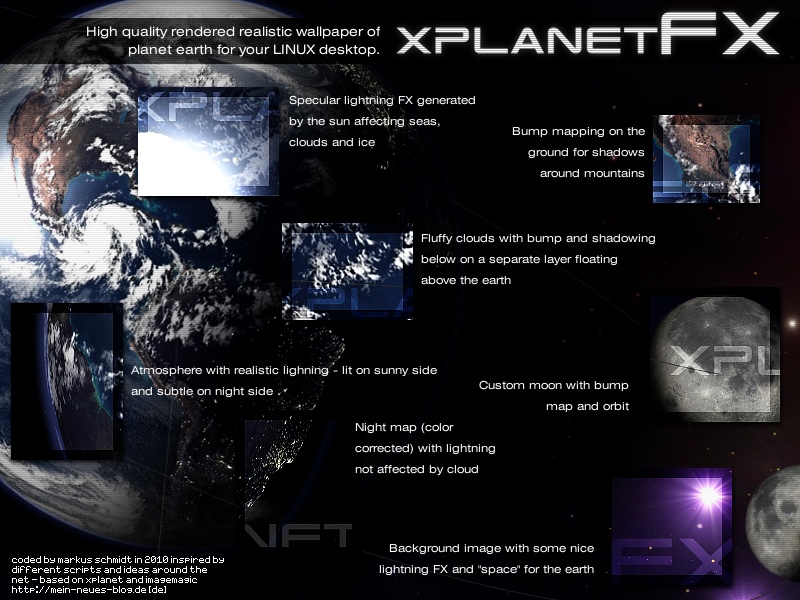
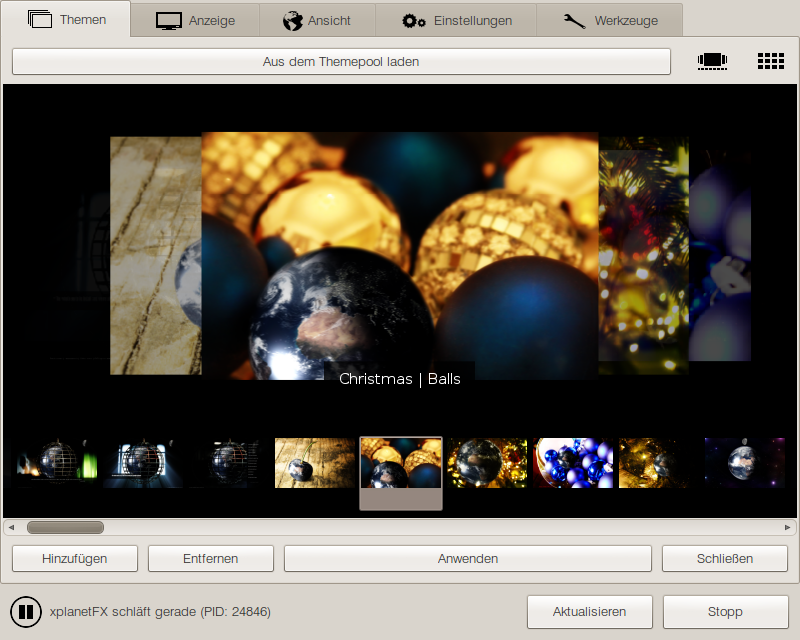
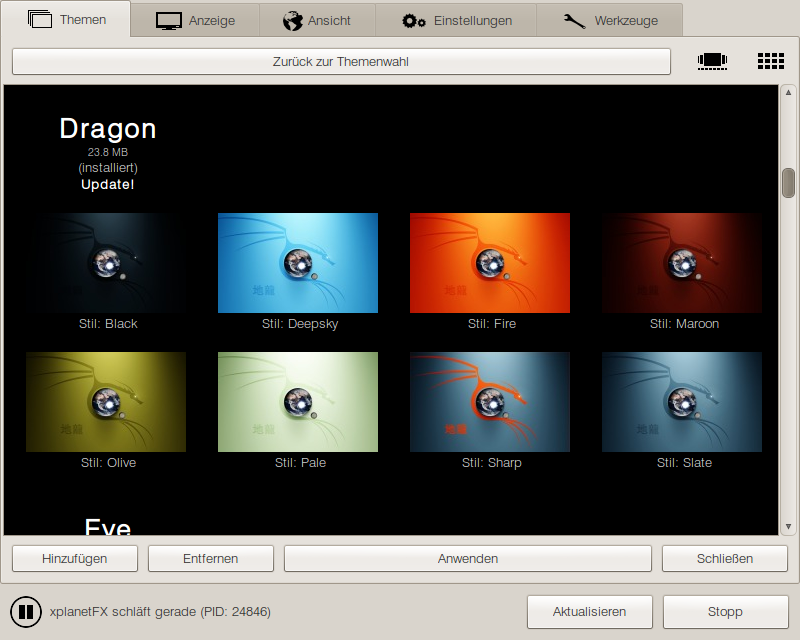
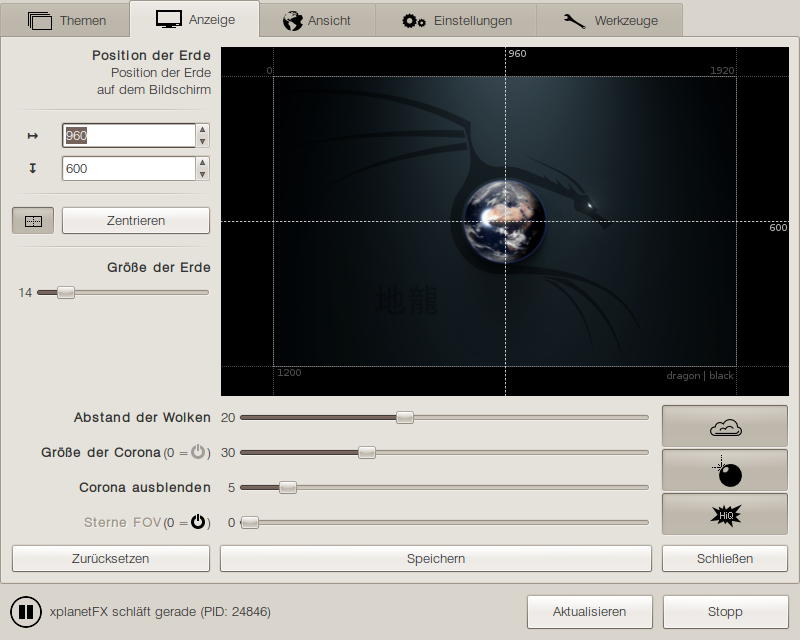
xplanetFX: Christmas Special
Freitag, den 2. Dezember 2011 Here it is again – the proper style for the christian fraction these days. It will be banged up again when the materialistic festivities are over and the annual sales are reached.
xplanetFX in der LinuxUser Juli 2011
Mittwoch, den 9. November 2011 Erm… what?! xplanetFX hat’s im Juli tatsächlich in die LinuxUser geschafft?! !1 Unfassbar! Geht ja dann wohl nahtlos weiter mit Starrummel und Groupies pimpern. Ich glaub‘, ich muss mal zum Frisör.
Ardour Dark Template
Mittwoch, den 26. Oktober 2011
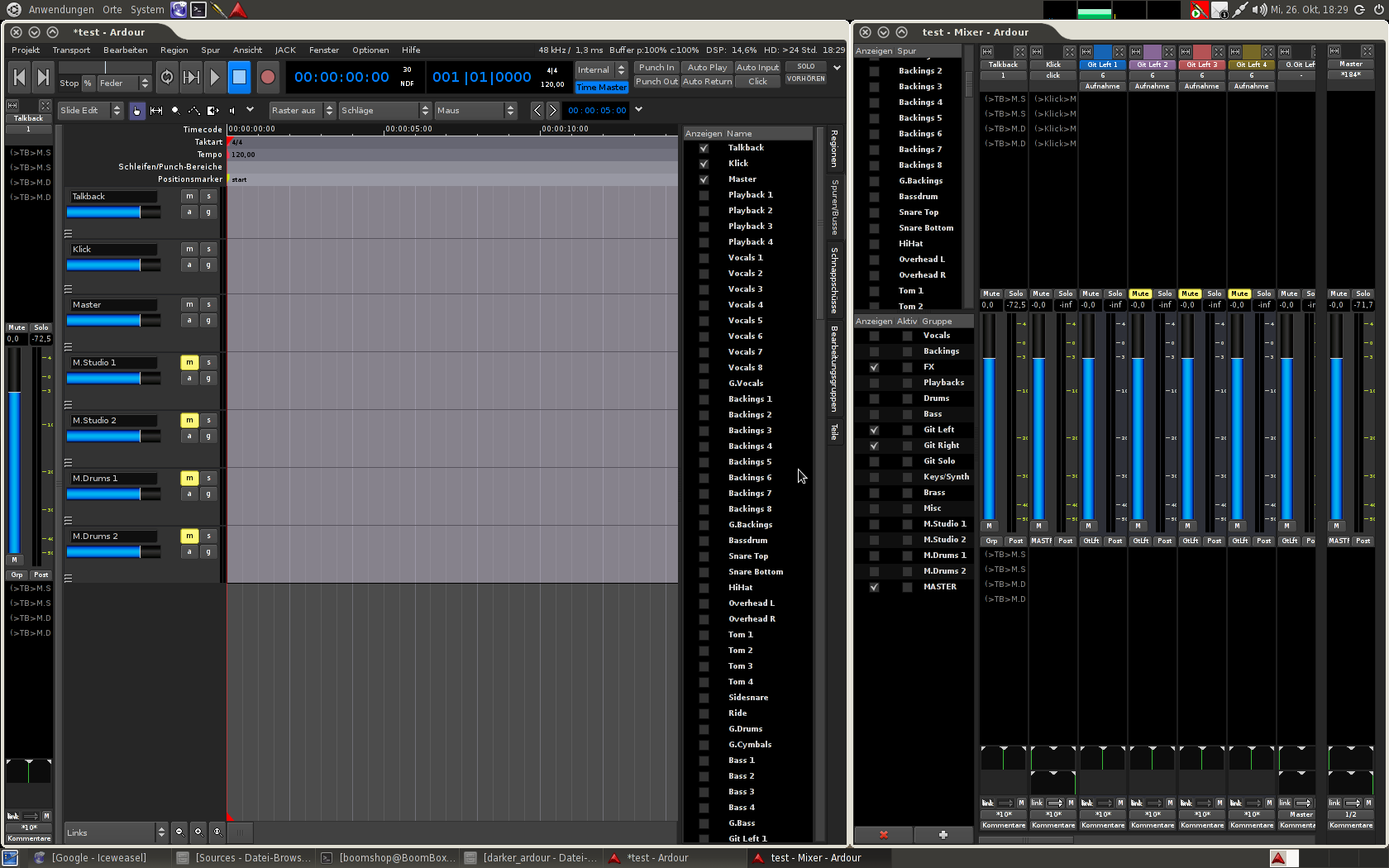 Debian Weezy is installed and Calf and Ardour are compiled – the studio seems online again. As long as I use Ardour the dark blueish theme with the industrial grey faders was biting my eyes. So I decided to mod the original dark Ardour UI templateb a bit, the result can be downloaded here.
You have to determine where Ardour is installed, usually in /usr or /usr/local.
sudo tar -C /usr/local -xzf ardour_dark_ui.tar.gz
or
sudo tar -C /usr -xzf ardour_dark_ui.tar.gz
ImageMagick support f***ing rocks!!1
Montag, den 24. Oktober 2011Just want to let the world know about the unbelievable great support of the ImageMagick devs/supporters/community. I had a mind-breaking problem with a requested style [1, 2] for the eschaton template I needed a solution for. And I think just reading my support request takes enough time one could better masturbate, have a beer or do something more satisfying than trying to get in this big pile of shit.
But the guys – especially Anthony – stayed on line and replied partially within two hours – so I think it’s time for promoting my respect and my thankfulness.
Finally a little warning for the minors: don’t try this at home with your commercial dealer/provider.
RepRap: print your world and share it
Dienstag, den 15. März 2011The power of open source software hits the real world – print a new 3D-printer with your 3D-printer and give it to your friends so they can print new 3D-printers for their friends… Google calls it „the little China for your desktop“. About 500 US$ (should be something like 29,32 € atm and still declining ,) is the price for this „replicator“ (en, de).
Reality anyone?
Montag, den 21. Februar 2011Signed repository
Sonntag, den 9. Januar 2011It seems the repository is up and running without whining about verification, so installations and updates are possible without any flaw now. Repo and Packages are signed by gpg, so if you’re shure you didn’t got fucked while downloading my public key you can trust it as far as you trust me. If you imported my public key properly and apt’s saying the source is not verified it means I’ve been hacked and the packages have been corrupted.
Repositories, repositories, repositories!!
Samstag, den 8. Januar 2011Okay, I heard you.
 Since I’m building a sustainable server structure atm to get rid of this Apache stuff for file revolving I decided to strip the templates server for xplanetFX to build a simple repository server. It contains traGtor and xplanetFX and gets updated along with the present web repos.
As I said – it’s simple but stressable, written in PIKE and it doesn’t fuck around with huge logging, databases, parsing and stuff like that. And don’t expect a working signature by now, I’m checking it out. The stuff wasn’t stress-tested by now, so it’s getting … interesting.
Try it out, if you know how fuckin‘ insecure external repositories and how funny beta versions are:
sudo wget -O - http://repository.mein-neues-blog.de:9000/PublicKey | sudo apt-key add -
echo "deb http://repository.mein-neues-blog.de:9000/ /" | sudo tee -a /etc/apt/sources.list
sudo apt-get update
Even though I will never load shit up to this repo I recommend the old scool way regardless: add the RSS to your favorite feed reader and grab the debs from this page directly. The blown up header gives direct access to all packages – it can’t be easier. And perhaps it’s a good practice to get over this „I have to have the latest shiny fuckup to be happy like Ronald McDonald“-feeling ^^ hehe
Okay no guarantee and please report problems with the repo in the comments. Thanks!
The templates server is ready as well but I don’t dare to release a new xplanetFX with the server address ^^ have to talk to John first..
OMFG!Uhuhuu!!!11^ un-fucking-believable..
Mittwoch, den 5. Januar 2011It must have been yesterday at about 18:30 (GMT+1) when OMG!Ubuntu! posted an article about xplanetFX. Seconds later my server hit the fan the first time. Memory and swap were bloated so the trashcan went to see what nirvana has to offer instantly.
An hour later it was struggling again with hundrets of requests per minute and I managed to keep it alive over the night while tweaking the apache config. The amount of calls decreased over the early morning and started to raise rapidly at about 10:00 so this old 2GHzx2 with the stunning amount of 1GB RAM had to face the defibrillator again.
Over the day I talked to The Incredible John, one of the world-class actors from fickzoo.com (the guy with the friggin‘ unbelievable fast big toe and my highly estimated partner in our main business) and we met to talk about how we could inject some juice in there. Since he has a way bigger thing than my crumpled wart (i7 with 8GB RAM – without the balls) he set up a cached proxy to handle the requests out of it’s memory directly – fetching it from me for about 18% of all requests.
Asides I spent another artificial heart valve (1GB) for the panel patient to get him back on his wheelchair again after it imploded once more at about 15:00. That was the reason for the one hour off today. After getting him back to reality we tweaked the webserver a bit and set up the rewrite rules. The time John left here his machine was squirting the goo at about 5MBit/s into the wwwatercloset, which means about 2 GB per hour suck-ratio. WTF?!
So you and me really have to go down on our knees praising The One And Only John while we’re sucking the shit out of him.
It works for now but we have to see how things are developing. Since the pimp of our servers limits the traffic to 10MBit and starts to rattle his tin cup above some terrabytes this doesn’t seem to be a sustainable solution.
So if you know someone who knows someone who eventually knows someone with access to unlimited traffic – xplanetFX is your friend ^^ it’s only about friggin‘ traffic – there are only flat files to be delivered and no CPU usage is needed.
Over the night I fiddled a lot with the problem of the crashes while downloading themes inside xplanetFX and the high amount of CPU usage going along with it. Don’t know if I got it fixed but my CPU usage dropped to 30% and I have seen no crash since (doesn’t mean a thing, my machine crashed unreproducable rarely). Not much later 2.0.9 went up with the new serveradresses pointing to the xplanetFX proxy.
It’s about 24 hours later, I haven’t slept a second (in contradistinction to ol‘ daddy pocket calculator), just got the message that we’re way over 6Mbit/s by now and the evening hasn’t really begun, so let’s hope the best.
I have to piss of right now, just got visited by some hearty friends I’ll snore at for the next couple of hours.
Fuck for grammar and sense, I’m out..
Author

Vollnerdmusikergutmensch auf Schuhgröße 42 1/2.
Schlagzeugproduzentenputze im Kleintiergewerbe.
Hauptberuflich Konsumgefährder und Gedankenverbrecher.
Impressum & Datenschutz